

In this guide, you will learn how to connect Freshsales (Freshworks CRM) with CloudTalk and configure call and SMS logging.
Prerequisites
Before you begin, make sure you have:- A CloudTalk Essential, Expert, or Custom plan
- An active Freshsales account with Admin access
- The email address you use in CloudTalk must match exactly with the email address in your Freshsales account. If the emails do not match, synchronization will not work correctly.
Configure Freshsales
Get Your Freshsales API Key
- In Freshsales, copy your API key
- Follow this guide if needed: How to find your API key in Freshworks CRM (Freshsales).
Add Freshsales Integration in CloudTalk
- In your CloudTalk Dashboard, go to Settings > Integrations
- In the Add Integration section, find Freshworks CRM
- Click
+ Add
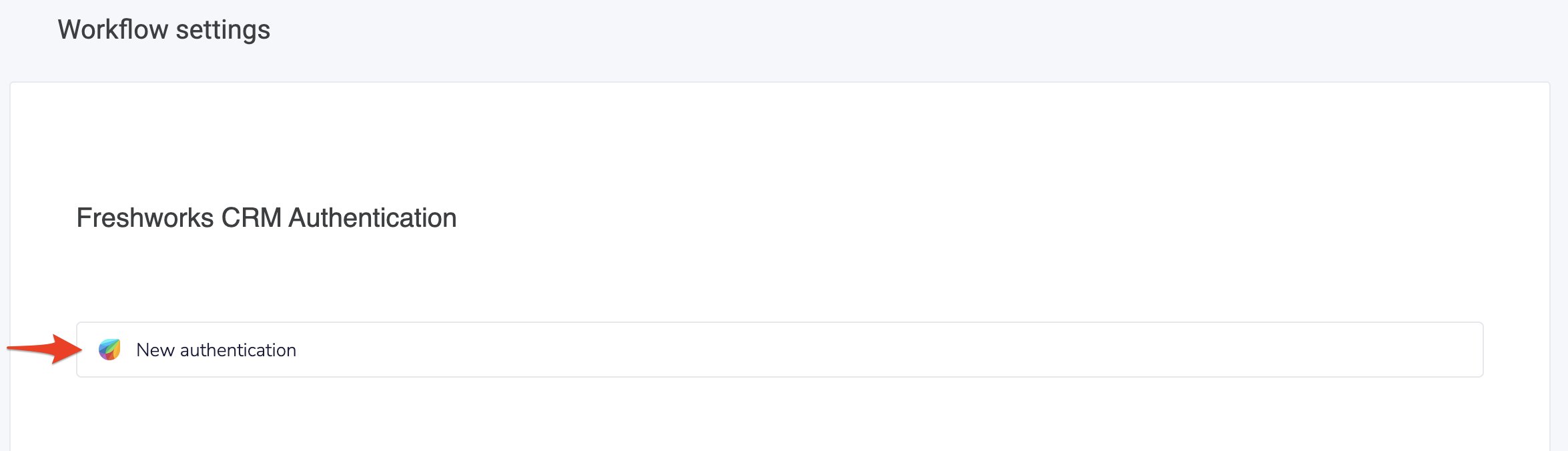
- In the Workflow Settings section, click New Authentication.
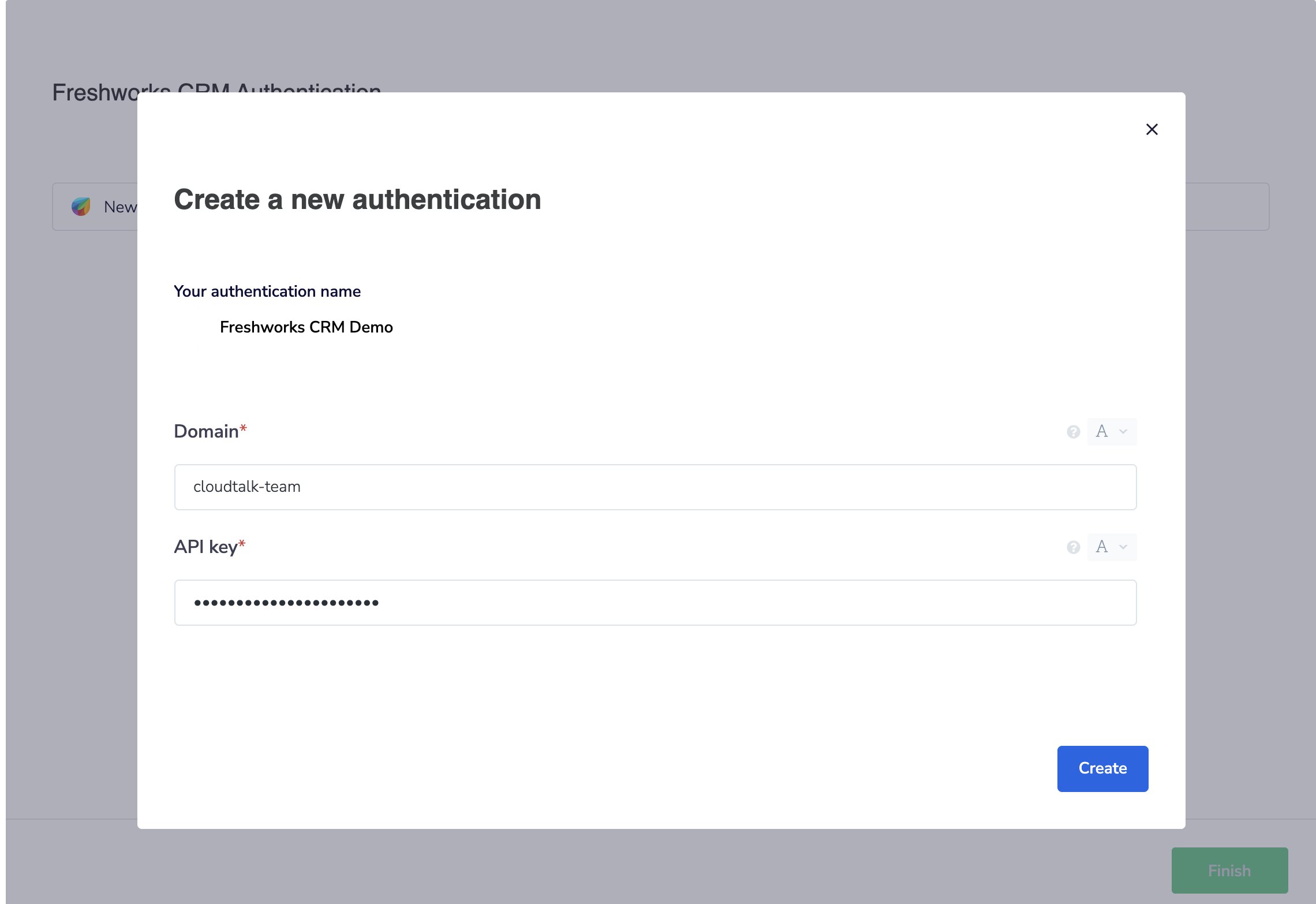
- Enter your Freshsales Domain and API Key, and click Create.
Contact Settings
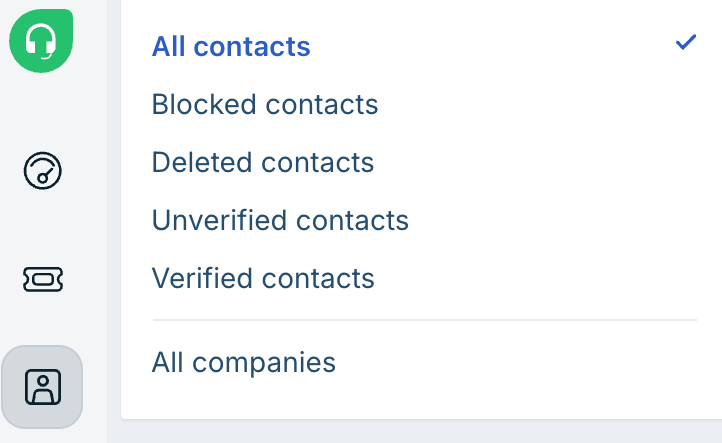
- In the Contact Settings section, select a Freshsales Contact View.

- Go to Contacts
- At the top of the page, select a view such as:
- My Contacts
- All Contacts
- Recently Modified
- New Contacts

Call Settings
- In the Call Settings section, configure how call activities are assigned.

Finalize Setup
- Click Finish to save your Workflow settings.
- To only log calls for specific CloudTalk numbers, add these numbers in the Connected numbers section.
- To only log SMSs for specific CloudTalk numbers, add these numbers in the Connected numbers for SMS section.
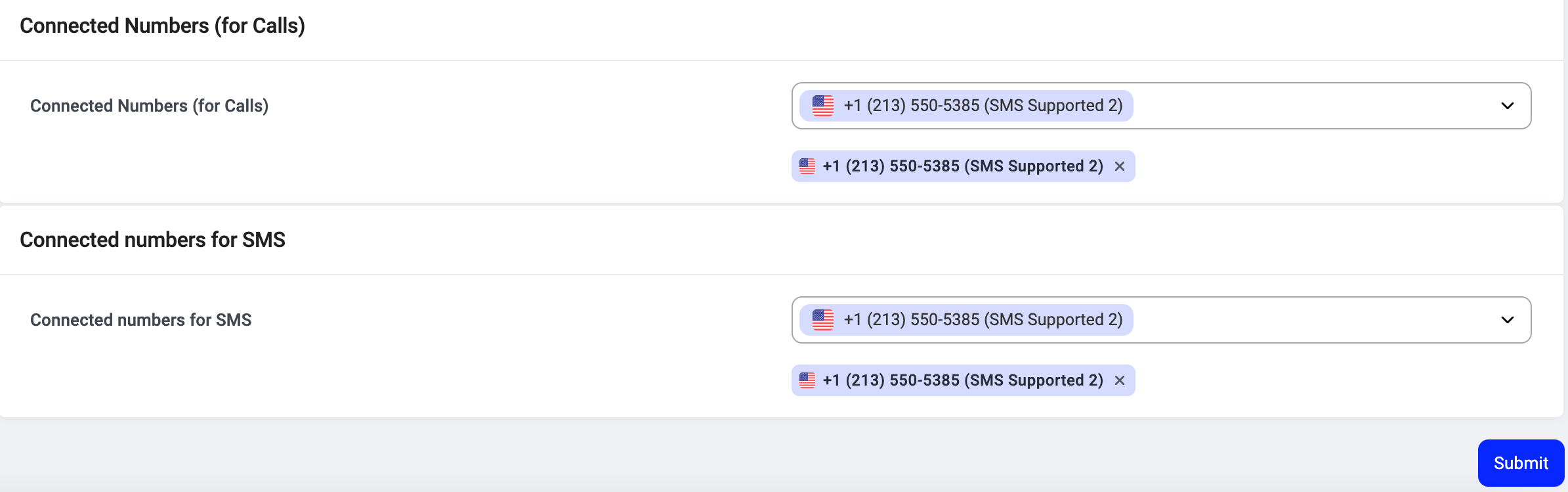
- Click Submit.
Disconnect or Remove the Integration
If you no longer want CloudTalk to synchronize data with Freshsales, you can disable or permanently remove the integration. To disable the integration, go to Settings > Integrations, locate the Freshworks CRM integration, and toggle the status from Active to Inactive.
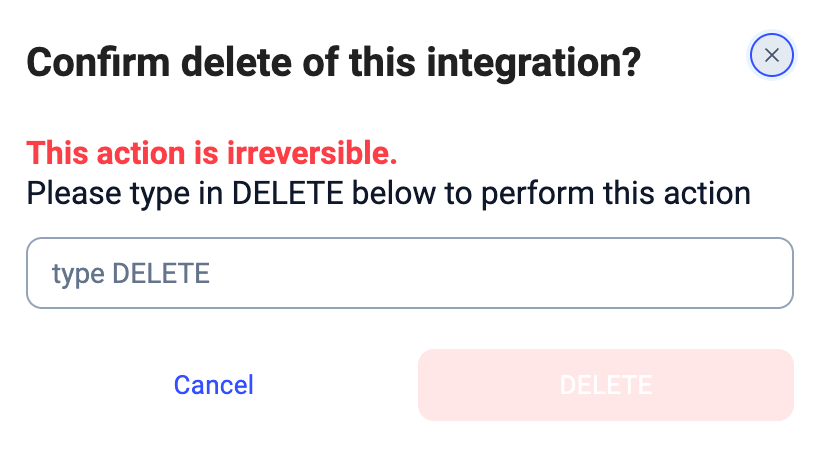
What happens after removal
- Data synchronization stops (contacts, calls, and SMS)
- Existing synced data remains in Freshsales
- No historical data is deleted
Need help or have a question? Just reach out through our Support portal — we’re here for you.