

This guide explains how to set up the monday.com integration with CloudTalk
Before You Start
Make sure you have the following:- CloudTalk user with access to the Integrations section to the CloudTalk Dashboard.
- Admin access to monday.com.
- The email address you use in CloudTalk must match exactly with the email address in your monday.com account. If the emails do not match, synchronization will not work correctly.
Configure monday.com
- Log into your CloudTalk Dashboard and navigate to Settings > Integrations.
-
Search for monday.com and click on it.
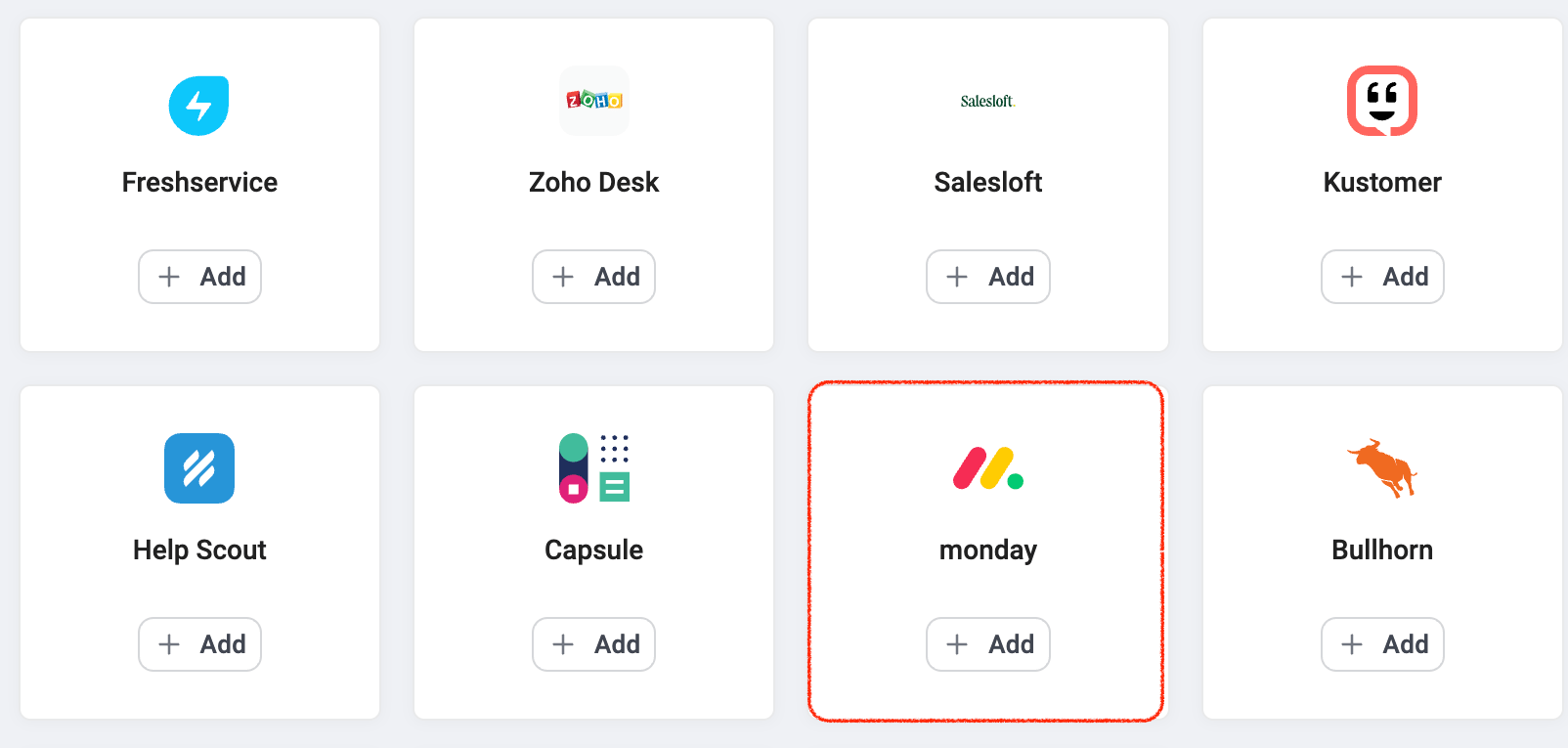
- Click Connect monday.com. You’ll be redirected to monday.com login page.
-
Sign in and grant CloudTalk access. After successful authentication, you’ll be redirected back to CloudTalk.
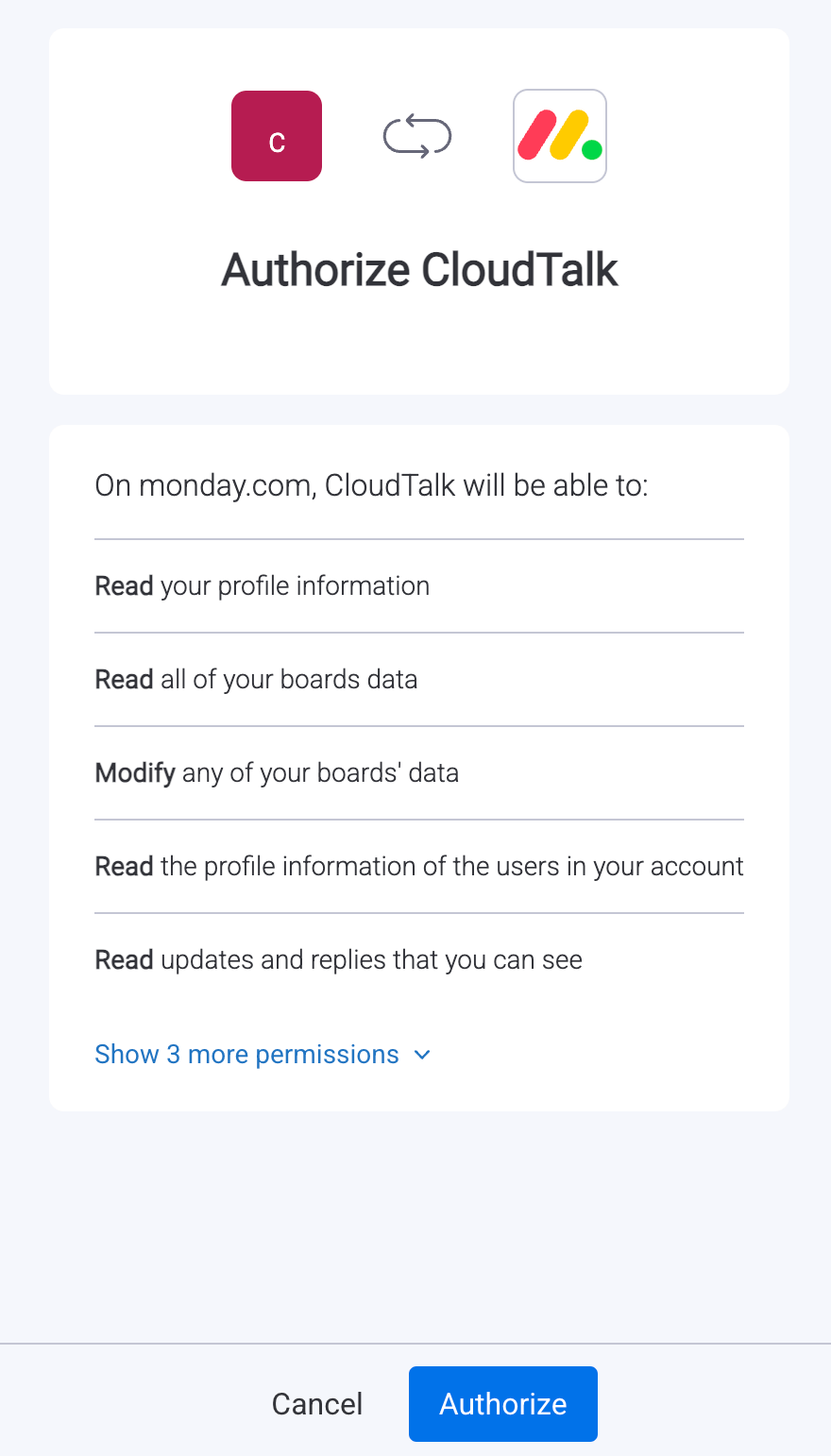
-
On the Integration Configuration screen, toggle the integration to Active and set a custom Caption to help identify it.
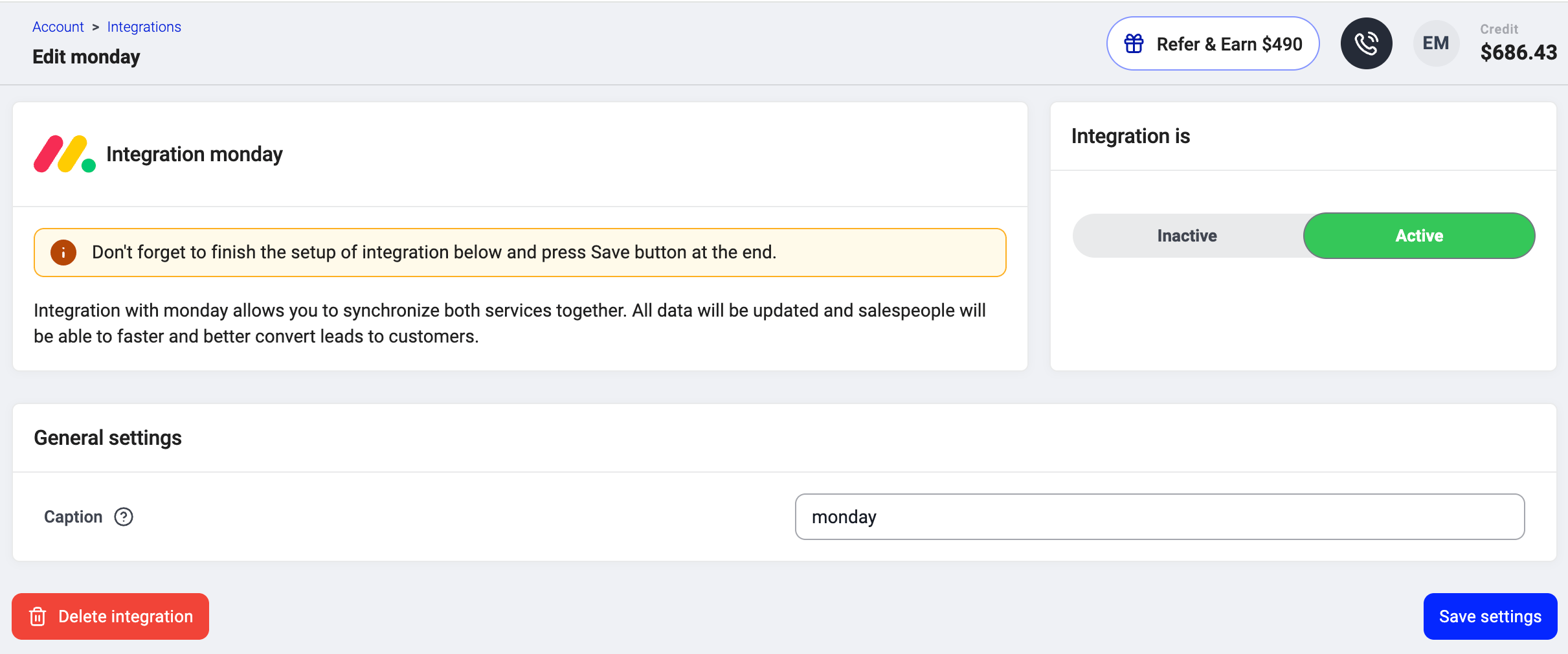
- Click Save to finalize the setup.
Install monday.com automations
-
In your monday.com account, select the board where you want CloudTalk calls to be logged. At the top of the board, click Automate.

- Open Automations > Create automation (or Create from template). Select the CloudTalk template and configure it.
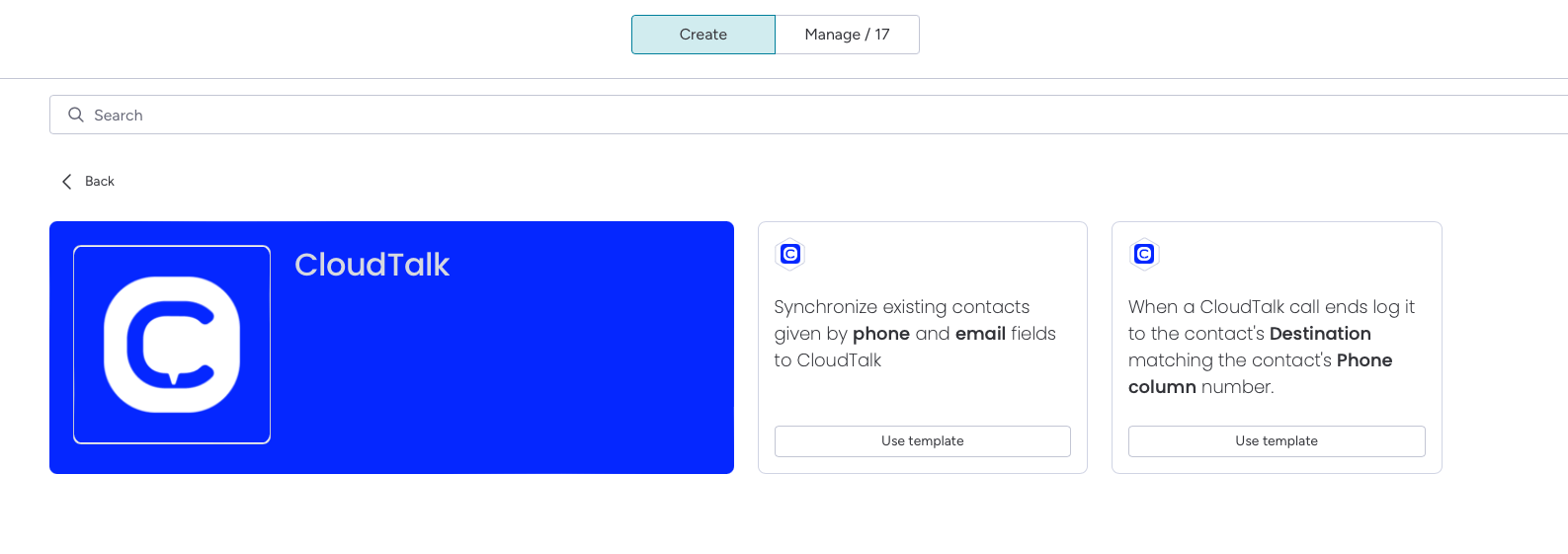
Log call automation
Logs calls from CloudTalk as timeline entries or updates on your monday.com board matching Phone column.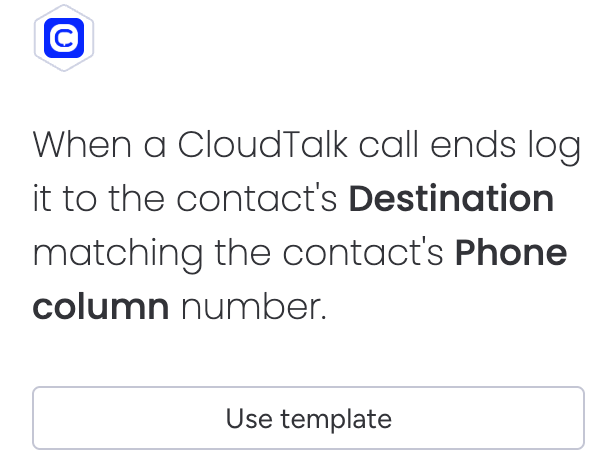
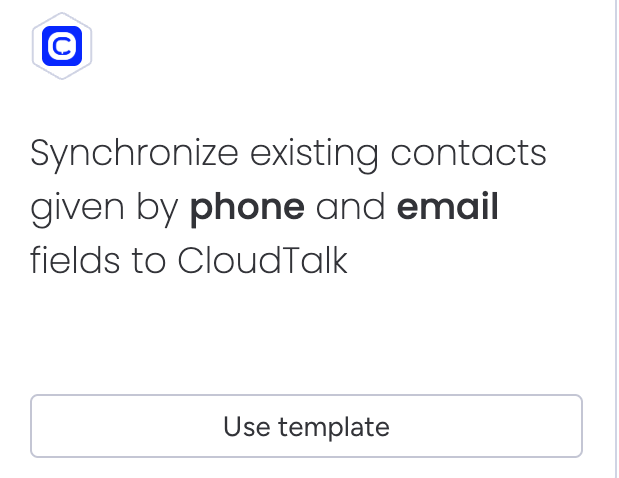
Contact sync automation
Syncs contacts between monday.com and CloudTalk. This automation handles both:- Initial sync, which imports all existing contacts from the selected board when the automation is added
- Automatic updates when a phone or email column changes on the board
What changed from recipes to automations
- If you already use recipes, they will continue working as they are, and no changes are required
- If you are setting up the integration for the first time, you will use automations, as recipes are no longer available for new configurations
- If you remove an existing recipe, you cannot restore it, so you will need to recreate the same functionality using an automation
Disconnect or Remove the Integration
If you no longer want CloudTalk to synchronize data with monday.com, you can disable or permanently remove the integration. To disable the integration, go to Settings > Integrations, locate the monday.com integration, and toggle the status from Active to Inactive.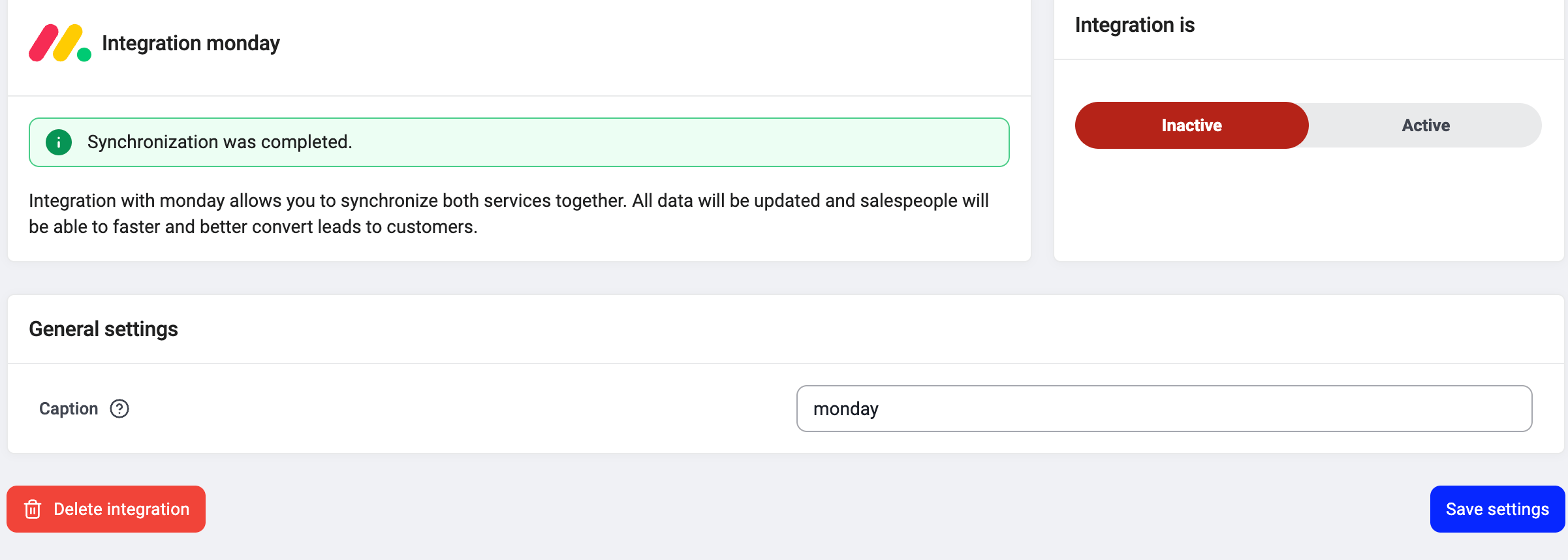
Need help or have a question? Just reach out through our Support portal — we’re here for you.