

In this guide, you will learn how to automatically send SMS messages from CloudTalk when a deal is updated in Pipedrive using automations and webhooks.
Prerequisites
Before you begin, make sure you have:- Access to Pipedrive Automations
- A CloudTalk account
-
An API key generated in CloudTalk:
- Go to Dashboard > Settings > API Keys
-
Copy both:
- API Key ID (used as username)
- API Key Key (used as password)
- At least one SMS-enabled number in CloudTalk
Step 1: Create a Webhook in Pipedrive
- In Pipedrive, go to More > Automations > Webhooks
- Click Add an Automated webhook
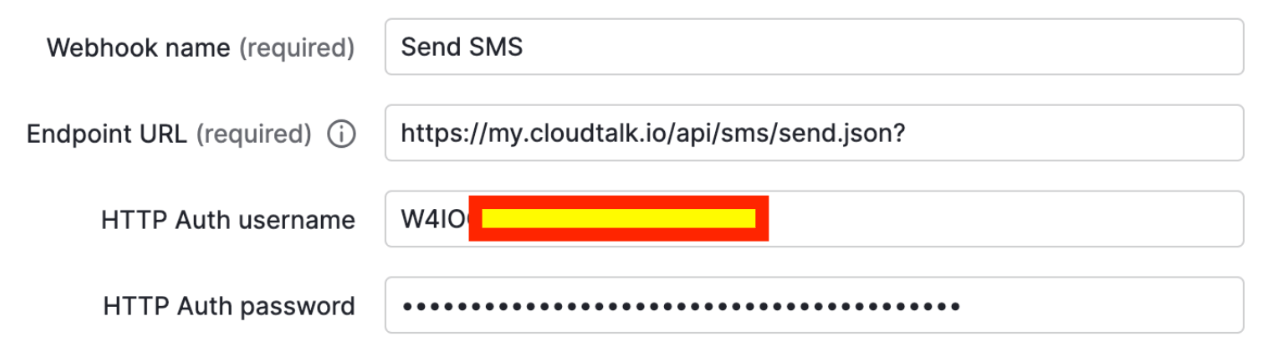
- Fill in the following details:
- Name: Choose any name (e.g., Send SMS)
-
URL:
- HTTP Auth Username: Your CloudTalk API Key ID
- HTTP Auth Password: Your CloudTalk API Key
Step 2: Create an Automation
-
Go to:
Automations > Automations > + Automation -
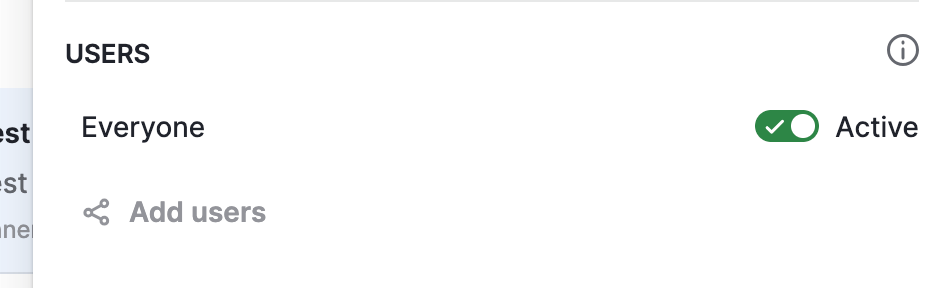
Choose which users can trigger the automation
-
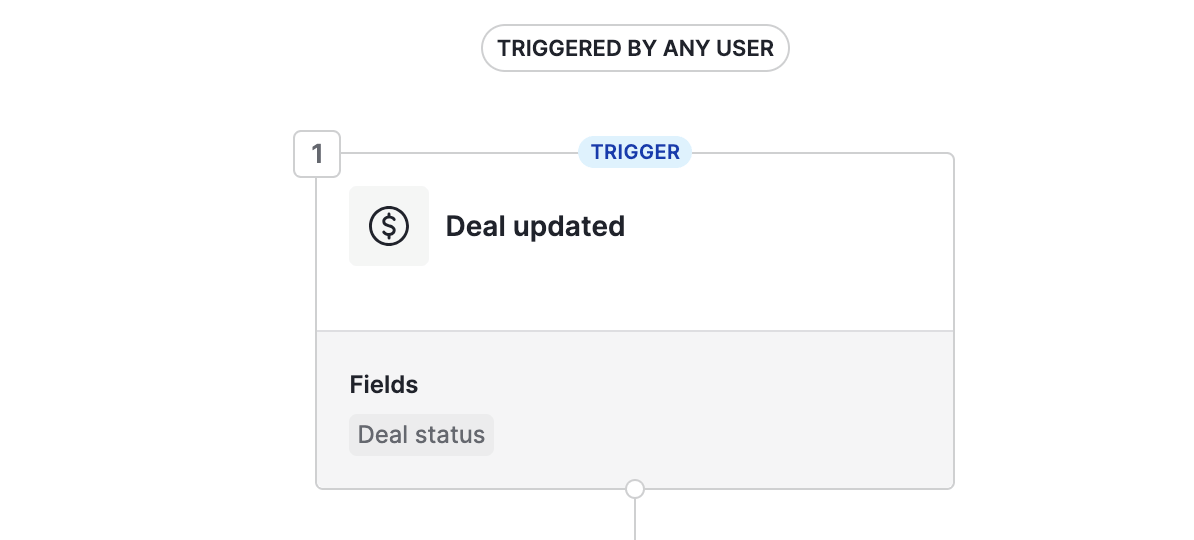
Set up the trigger:
- Trigger: Deal Updated
- Field: Deal Status
Step 3: Define the Condition
Add an Instant condition to control when the SMS is sent. Example:- Deal status is “won”

Step 4: Configure the Webhook Action
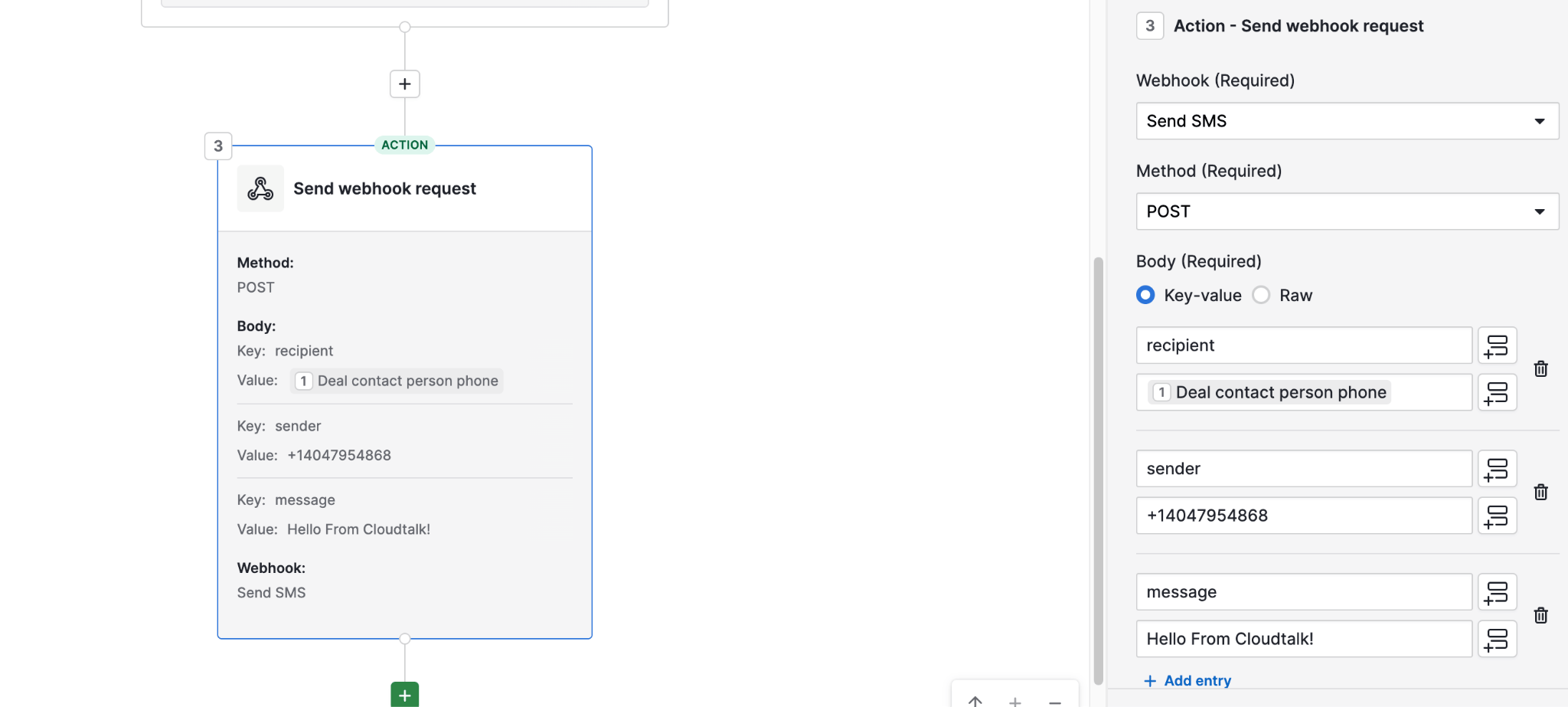
- Add an Action > Send webhook request
- Configure the request:
-
Method:
POST - Webhook: Select the webhook you created earlier
Body parameters:
-
recipient
Use dynamic value: Deal contact person phone -
sender
Enter your CloudTalk SMS-capable number -
message
Enter your SMS text. You can include dynamic values (e.g., contact name, deal info)
Result
Once configured:- When a deal is updated and meets your condition (e.g., marked as won)
- Pipedrive triggers the webhook
- CloudTalk sends an SMS automatically to the contact
Need help or have a question? Just reach out through our Support portal — we’re here for you.