

This guide explains how to connect Front with CloudTalk, sync contacts and calls, and install the CloudTalk CTI so you can make and receive calls directly from your Front inbox.
Before You Start
Make sure the following requirements are met before setting up the integration:- You have admin access in both CloudTalk and Front
- Your CloudTalk and Front accounts are active
-
The email addresses of CloudTalk agents match exactly with their corresponding Front users
- If the emails do not match, synchronization will not work correctly
Connect Front to CloudTalk
- Log into CloudTalk Dashboard. Navigate to Settings > Integrations from the left menu.
- Select Front integration and click on the +Add button to install the integration.
-
When asked to do so, use your Front credentials or SSO to log into your Front account.

-
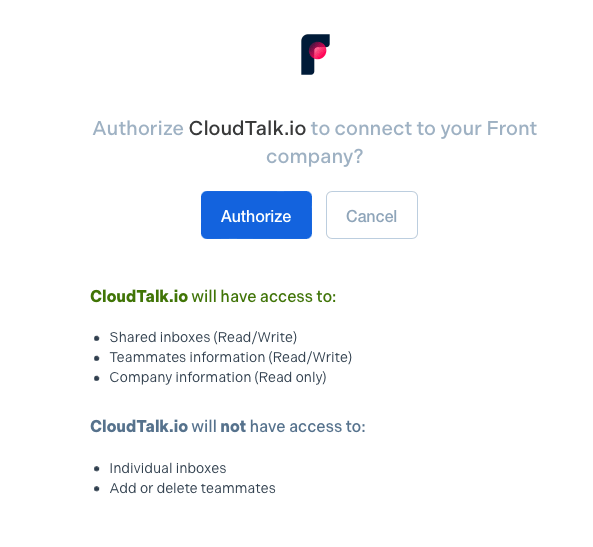
Click Authorize and follow the authorization flow.
-
After a successful login, you will be redirected back to CloudTalk Dashboard. Select from Your inboxes or Create a new inbox. This inbox will be used to store synchronized CloudTalk calls. Click Next.

-
Customize your integration according to your business needs using the toggles and dropdown options. Synchronized calls will be logged as Archived in your designated Front inbox. Click Save to apply your configuration.
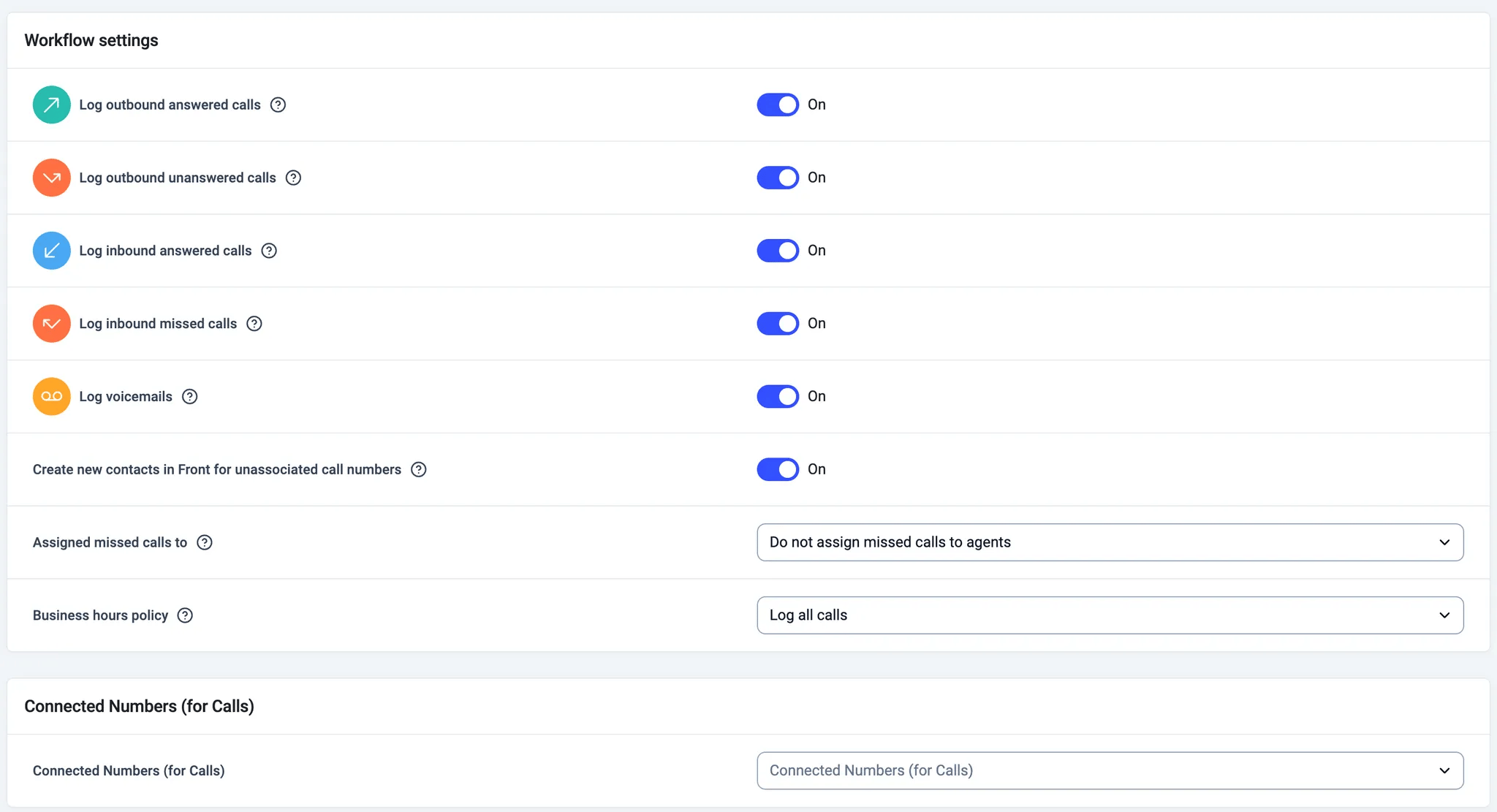
- Make sure the integration is set to Active at the top of the page.
Verify Contact Synchronization
To confirm that a contact synced correctly:- Open the contact in CloudTalk
- Look for the Front icon on the contact
- Click the icon to open the corresponding Front profile in a new tab
Install CloudTalk CTI in Front
- Log into your Front Dashboard account here.
- Click the cog ⚙️ in the page header for Settings. Navigate to the App Store tab.
-
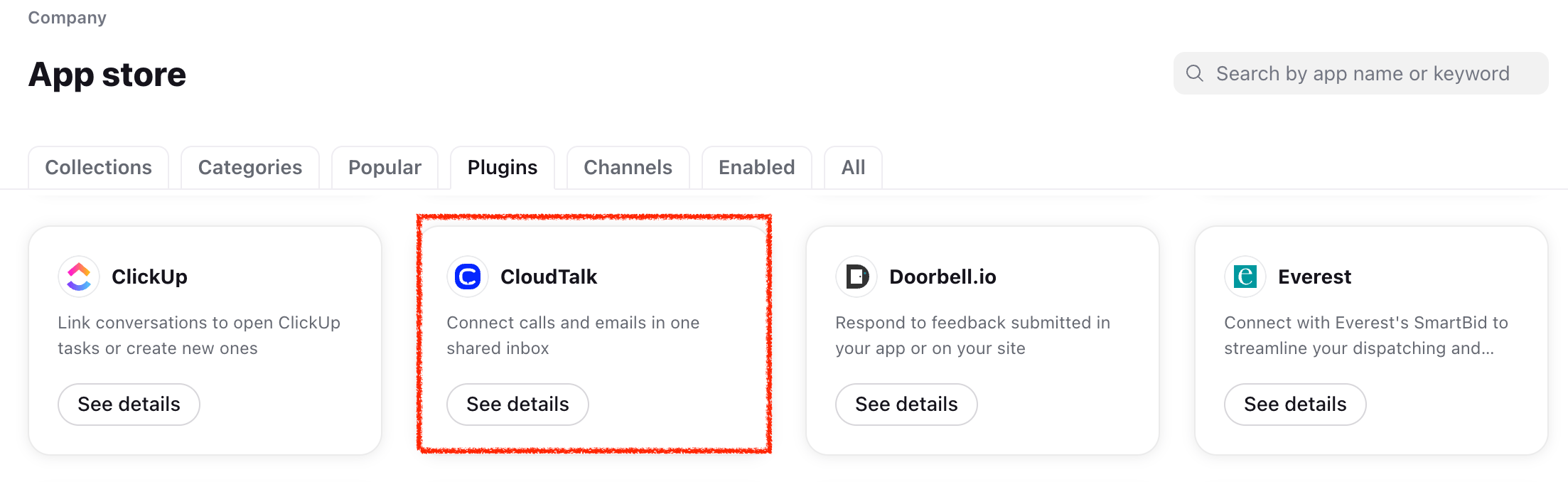
Search for “CloudTalk”, and click See details - Enable plugin.
This will install the CloudTalk Phone CTI for your Front inbox without needing to manually define a plugin or input any URLs.
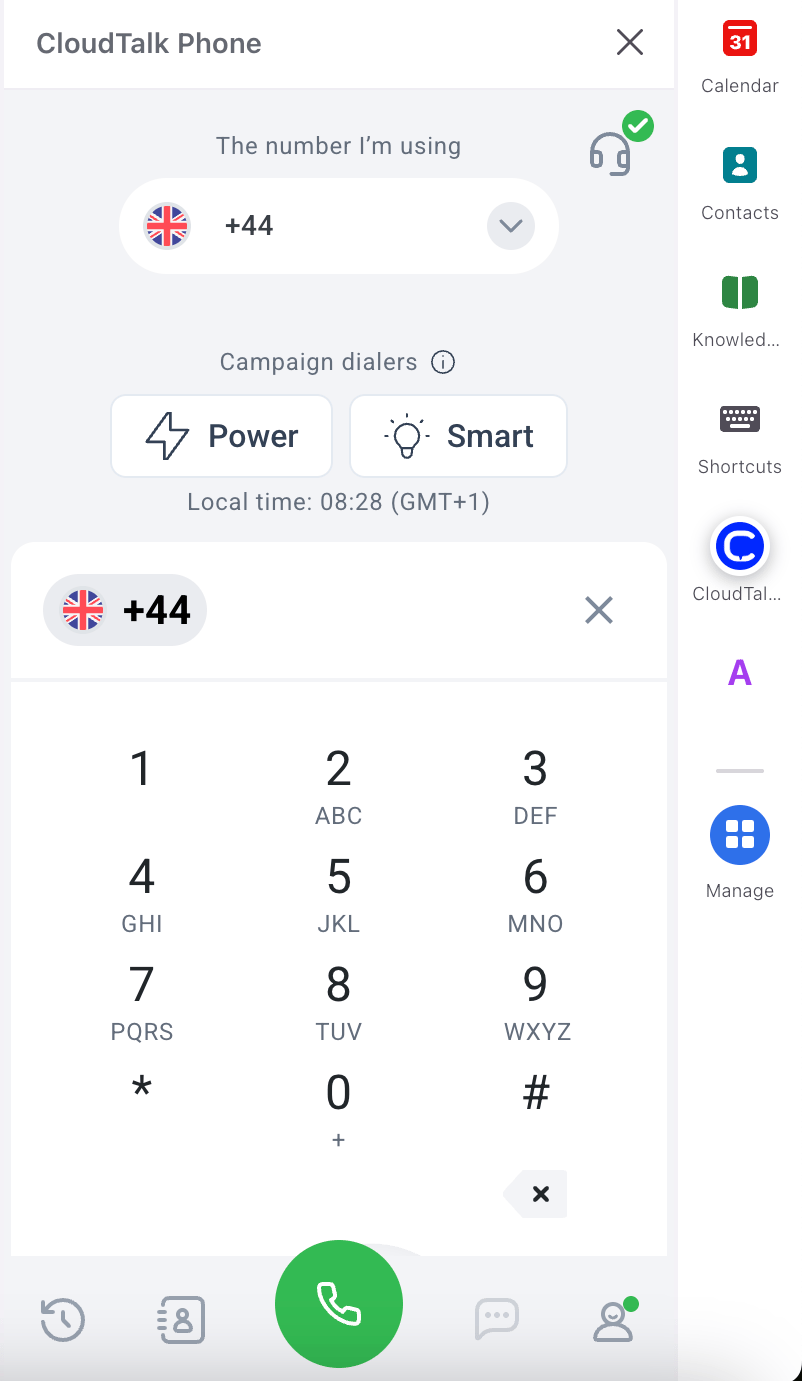
- Sign in with your CloudTalk credentials or use SSO
- Allow microphone access
Disconnect or Remove the Integration
If you no longer want CloudTalk to synchronize data with Front, you can disable or permanently remove the integration. To disable the integration, go to Settings > Integrations, locate the Front integration, and toggle the status from Active to Inactive.
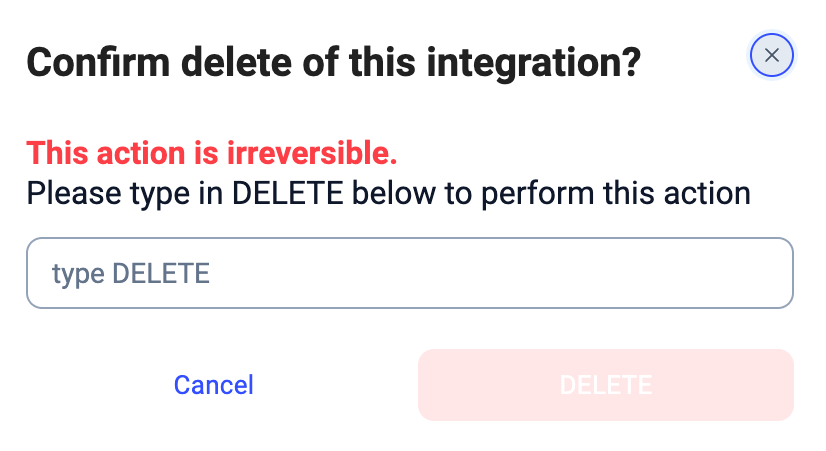
- Contact and call synchronization will stop
- No new data will be exported to Front
- Existing data in Front will remain unchanged
Need help or have a question? Just reach out through our Support portal — we’re here for you.