

Learn how to use an Attio list as the audience for a campaign, which permissions CloudTalk needs, and how the audience stays in sync.
With the Attio integration, you can pick an Attio list of people as the audience for a CloudTalk Dialer campaign. CloudTalk adds the people on the list to the campaign and keeps the audience in sync with the list.
Prerequisites
To use this setup, you need:- An Admin or Supervisor role in CloudTalk
- An active Attio integration
- At least one Attio list whose records are People
Permissions CloudTalk needs
To use your lists as a campaign audience, CloudTalk asks Attio for two read-only permissions:
CloudTalk never creates, edits or removes an Attio list or its entries.
Import your campaign audience from Attio
- Go to Dialer > Campaigns, click + Add Campaign, and configure the campaign as you need.
- Under Contacts from your CRM, select CRM Contact List.
- Search for your Attio list by name and select it.
- Click Create Campaign, then Confirm.
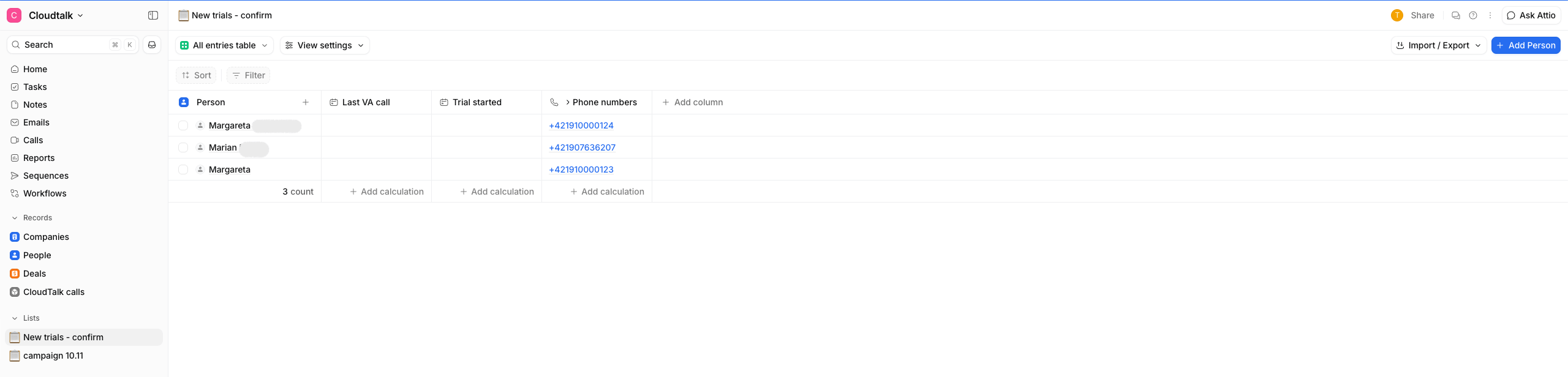
- Only lists of people are shown. Attio lists built on Companies or Deals aren’t offered, because their entries aren’t people you can call.
- Only people with at least one phone number are added to the campaign, so the campaign may show fewer contacts than your Attio list.
- You can rename the list in Attio. The campaign stays connected to it.
- Everyone who can create campaigns sees all people lists in your workspace. Attio’s own list access settings don’t apply to the list picker.
How the audience stays in sync
Once a day, CloudTalk reads the whole list again, adds anyone who’s missing from the campaign, and removes anyone who’s no longer on the list. Because people are only removed during this daily sync, someone you take off the Attio list can stay in the campaign for up to 24 hours.Large lists are imported over several syncs. The first sync of a big list may not import everyone at once. CloudTalk continues on the following syncs and doesn’t remove anyone until the import is complete.
Need help or have a question? Just reach out through our Support portal — we’re here for you.