

Learn how the AI Sales Dialer decides who to call next, and how to control the order with source ranking and the Prioritize fresh contacts setting.
The AI Sales Dialer decides who to call next using a clear priority order. This article explains the full system: the tier order, source ranking, and the settings that influence it.
The priority tiers
Every contact in a campaign belongs to one tier. The dialer works through them in this order:- Favorite contacts
- Rescheduled contacts whose callback time has arrived
- Retry contacts (already called at least once, cooldown elapsed)
- Fresh contacts (never called)
Source ranking within tiers
In the Contact step of the campaign setup (or when editing an existing campaign), you add your audience using + Add contacts by tags and + Add CRM contact list. Each source you add appears in a single ranked list.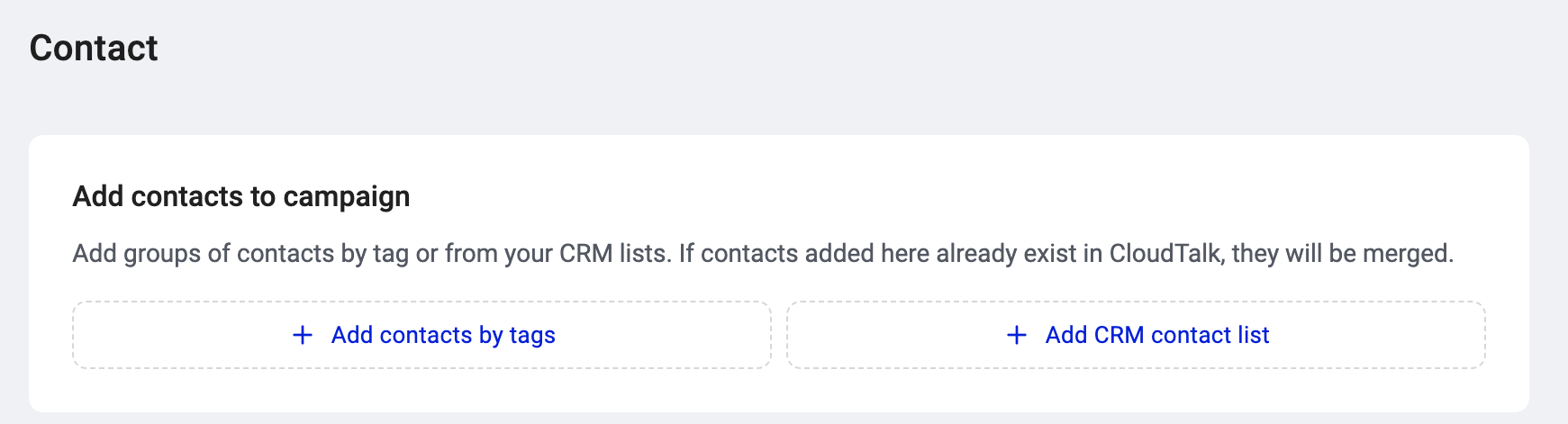
- “Enterprise leads” (tag)
- “HubSpot hot list” (CRM list)
- “Cold outreach” (tag)
Setting the order
- Open a campaign and go to Edit campaign (or create a new one).
- In the Contact section, add your tags and/or CRM lists.
- Drag the sources up or down to set the order. The source at the top has the highest priority.
- Save.
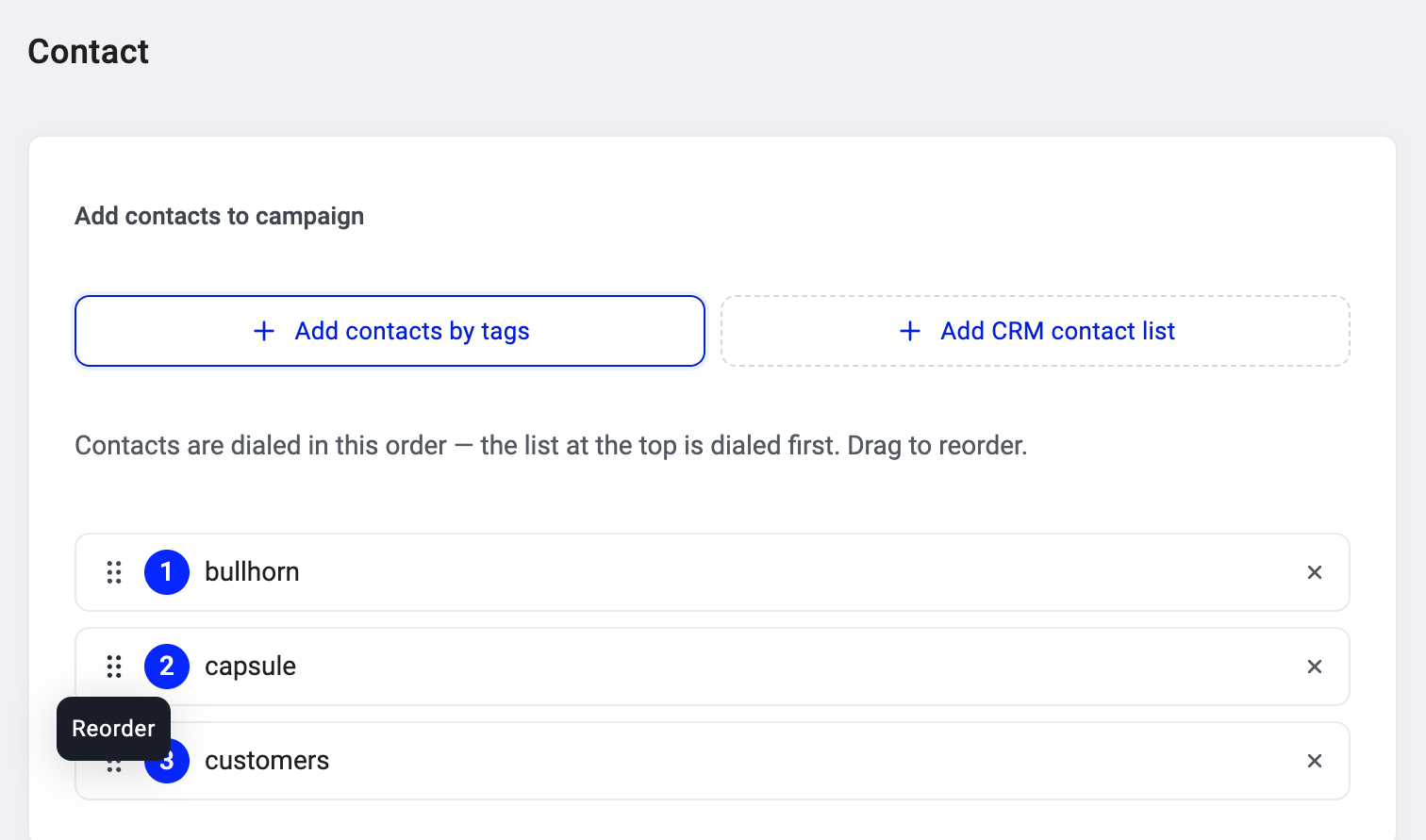
💡 You can reorder at any time, even on an active campaign. The new order takes effect on the next contact allocation.
Mixing tags and CRM lists
Tags and CRM lists sit in the same ranked list. You can interleave them however you want. A CRM list at position 1 outranks a tag at position 2 within the same group, and vice versa.How it interacts with other priority settings
The dialer follows tier first, then source ranking:- Retries are always dialed before fresh contacts, regardless of which source they come from.
- Within retries, the drag order decides priority. A retry from source #1 is dialed before a retry from source #3.
- Within fresh contacts, the same drag order applies. A fresh contact from source #1 is dialed before a fresh contact from source #3.
- Favorite and rescheduled contacts keep their priority above both retries and fresh.
Prioritize fresh contacts
By default, retry contacts are served before fresh ones. If you’d rather your team get through new contacts first, turn on Prioritize fresh contacts in the campaign’s Calling setup (Step 3). When ON, the order flips: fresh contacts are served before retries. Favorite and rescheduled contacts keep their priority regardless.How it all fits together
Say your campaign has 200 fresh contacts across three sources, 15 retries due for a second attempt, and 3 scheduled callbacks coming up in the next few minutes:- The 3 callbacks are served first (rescheduled tier).
- Next, the 15 retries, ordered by source ranking (Enterprise leads retries first, then HubSpot, then Cold outreach).
- Then the 200 fresh contacts, in the same source order.
Good to know
- Drag to reorder works on both create and edit. You can set the priority when creating the campaign or adjust it later.
- CRM lists stay in sync. If a contact is added to the CRM list after you’ve set up the campaign, they join at that source’s priority level automatically.
- Hours between attempts controls how long a retry contact waits before becoming eligible again. This is set per campaign in the Calling setup. See Setting up a campaign in the AI Sales Dialer.
Need help or have a question? Just reach out through our Support portal — we’re here for you.