

In this article, you will learn which credit-related notification emails CloudTalk sends, when each one is triggered, who receives them, and where the same alerts appear in the Dashboard.
CloudTalk automatically sends email notifications when your credit balance reaches certain levels. These emails are designed to give you enough warning to take action before outbound calls are affected.
Credit alert emails
There are three credit alert emails.⚠️ Low balance alert: balance drops below $10 or €10
Sent when your credit balance falls below $10 (USD accounts) or €10 (EUR accounts). This is a hardcoded threshold and cannot be changed. It is an early warning that your balance is critically low and outbound calls may stop soon if credit is not added.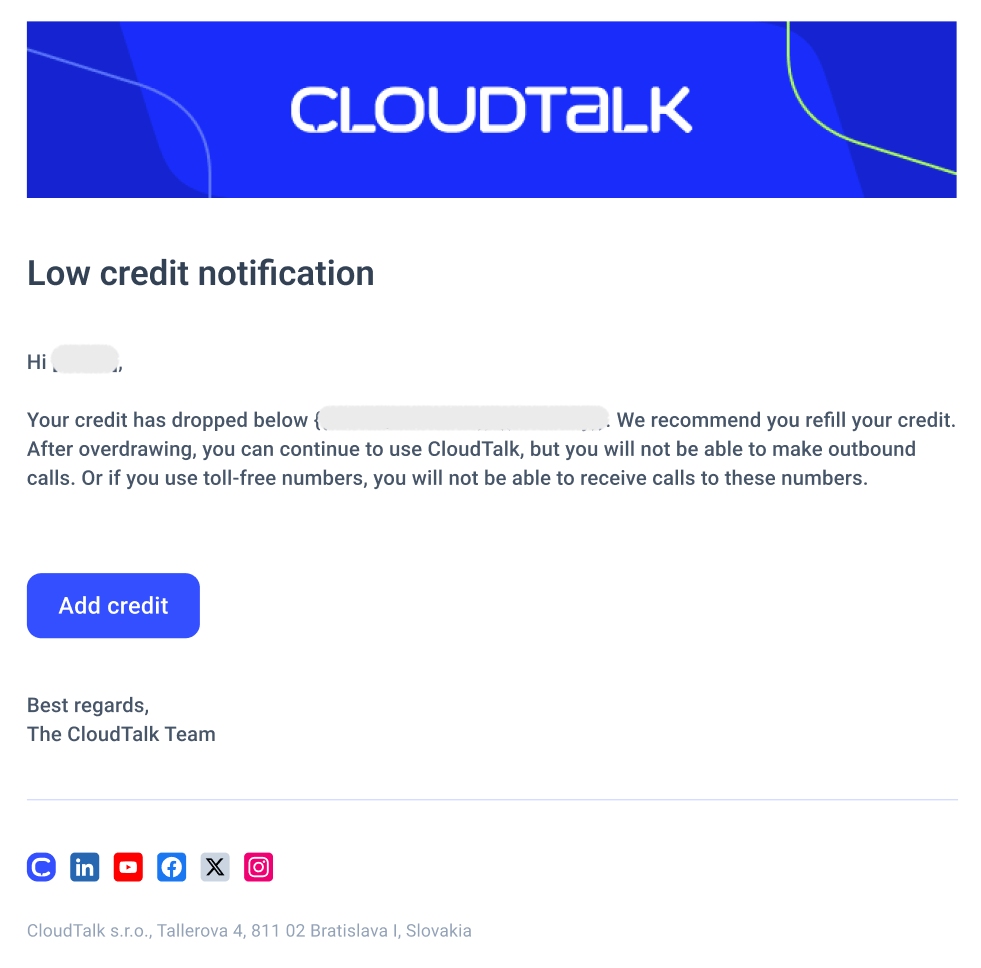
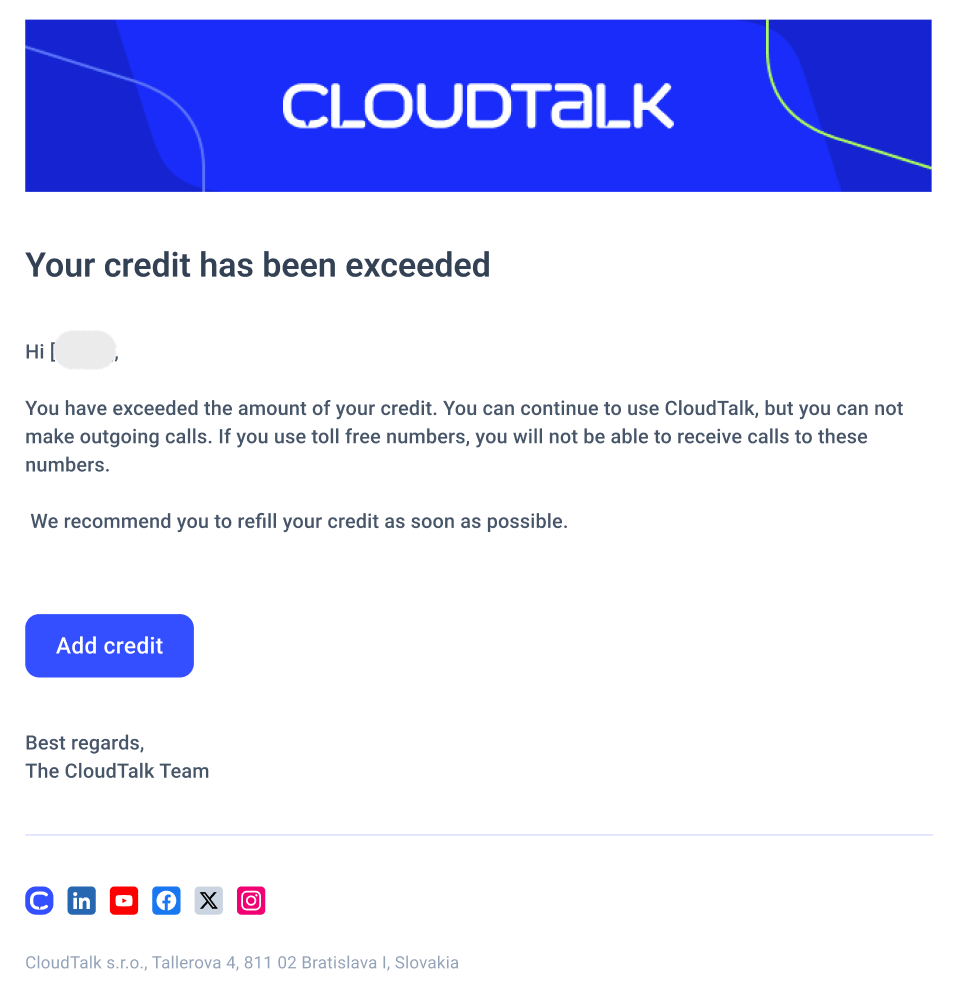
⚠️ Credit exhausted alert: balance reaches $0
Sent when your credit balance reaches $0 or €0 and outbound calls are blocked. This threshold is also hardcoded. At this point:- Outbound calls are immediately blocked for all users on the account
- Inbound calls to toll-free numbers are blocked
- Inbound calls to standard (non-toll-free) numbers continue to work
⚠️ Custom threshold alert: balance drops below your configured threshold
Sent when your balance drops below a threshold you have set on the Billing page. Unlike the two alerts above, this threshold is customer-configurable. You can set it to any amount that suits your usage pattern, giving yourself a meaningful warning while there is still time to act.Setting a custom notification threshold
To set or update your custom threshold:- Go to Dashboard > Settings > Billing
- In the Credit section, find the Email me when my balance falls below toggle
- Turn it on and enter your desired threshold amount
- Save your settings

Who receives these emails
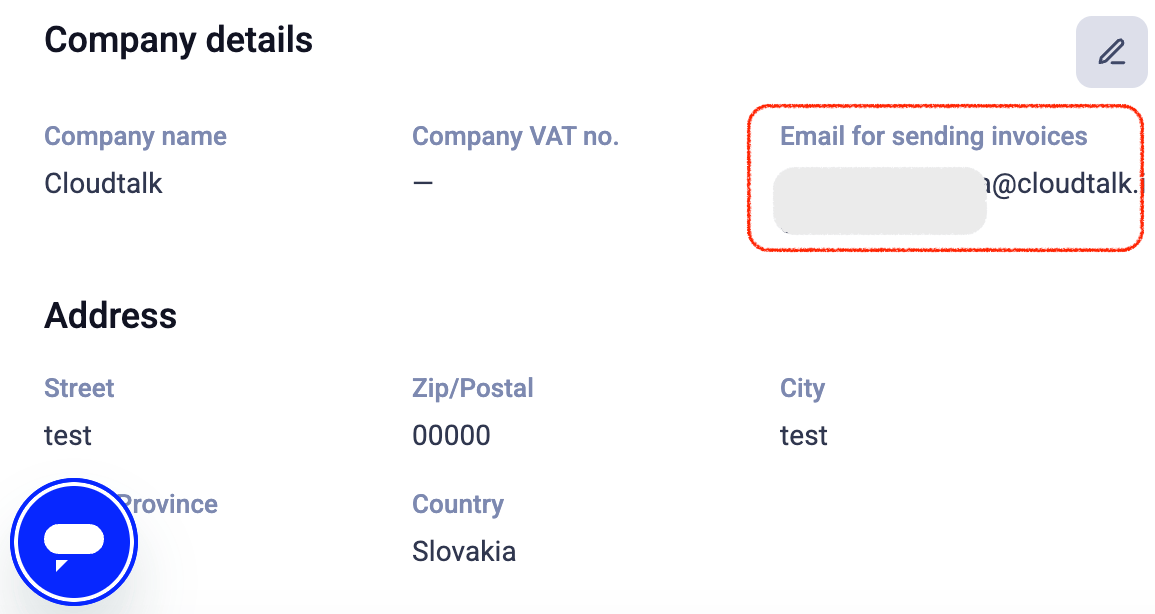
All three credit alert emails are sent to:- All admin users on the account
- The company billing contact email configured in the Billing page
Where the same alerts appear in the Dashboard
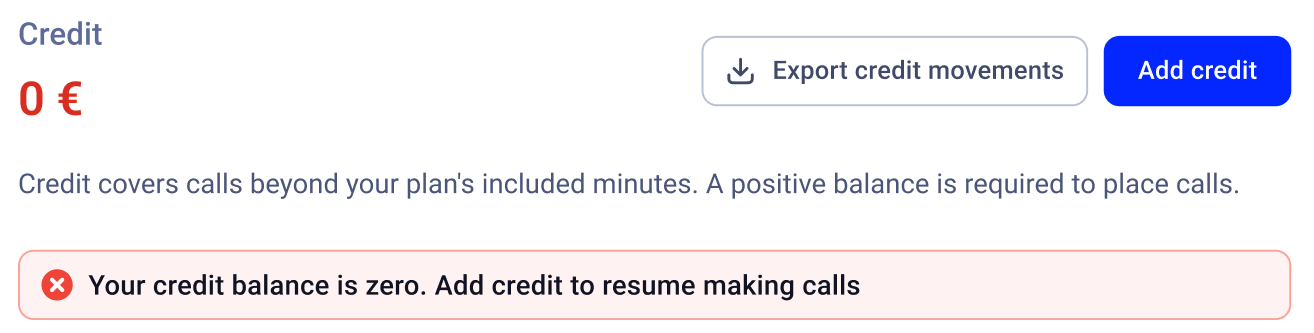
The same conditions that trigger emails are also surfaced visually in the Credit section of the Billing page:-
When your balance is low, you will see: “Your credit balance is low. Add credit to continue making calls.”

-
When your balance reaches zero, you will see: “Your credit balance is zero. Add credit to resume making calls.”
Need help or have a question? Just reach out through our Support portal — we’re here for you.