

In this article you will learn what happens during inbound and outbound calls, how contacts and call activity are synced between CloudTalk and Shopify, and how to view Shopify order data inside CloudTalk.
Calling from Shopify
Make Outbound Calls
With the Click-to-Call enabled, you can initiate calls directly from a Shopify customer profile. Phone numbers appear with a CloudTalk icon (📞) next to them, and clicking it will launch your CloudTalk dialer and connect the call.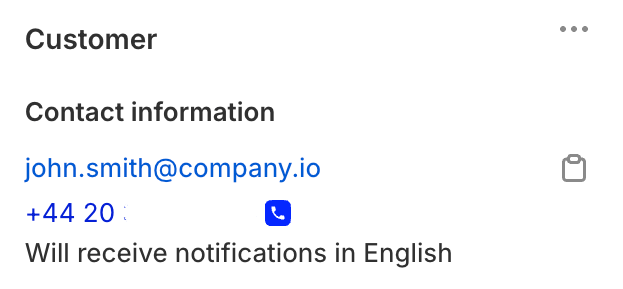
Call Logging and Data Exchange
Contact Sync
Customer records in Shopify are automatically imported into CloudTalk, making them available for outbound calling and support. Imported data includes:- Customer Name
- Email address
- Phone number
- Tags
- Addresses
- Last order details
Call Logging and Export
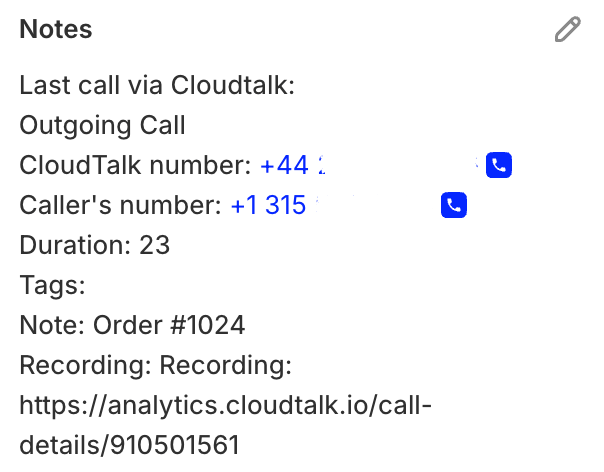
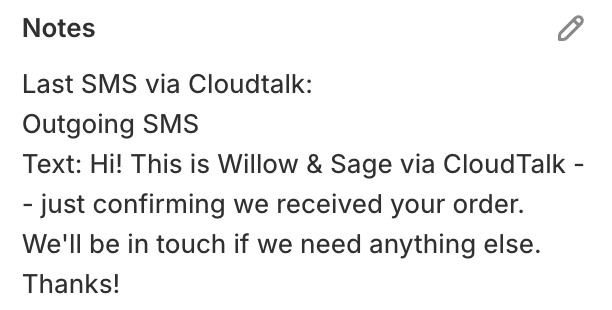
After calls are made via CloudTalk, activity is logged directly into Shopify under the customer’s record as internal customer notes. Logged data includes call direction and duration, tags, notes, and recordings (if enabled). Available call data includes:- Call direction and duration
- Tags
- Notes and recordings (if enabled)
- SMS message content
Shopify Order Data in CloudTalk
To view Shopify-related data in CloudTalk, navigate to the Contacts section and open a customer profile.- From the Dashboard, go to Contacts.
- Click the magnifying glass icon next to the contact name to open the Contact Details panel.
-
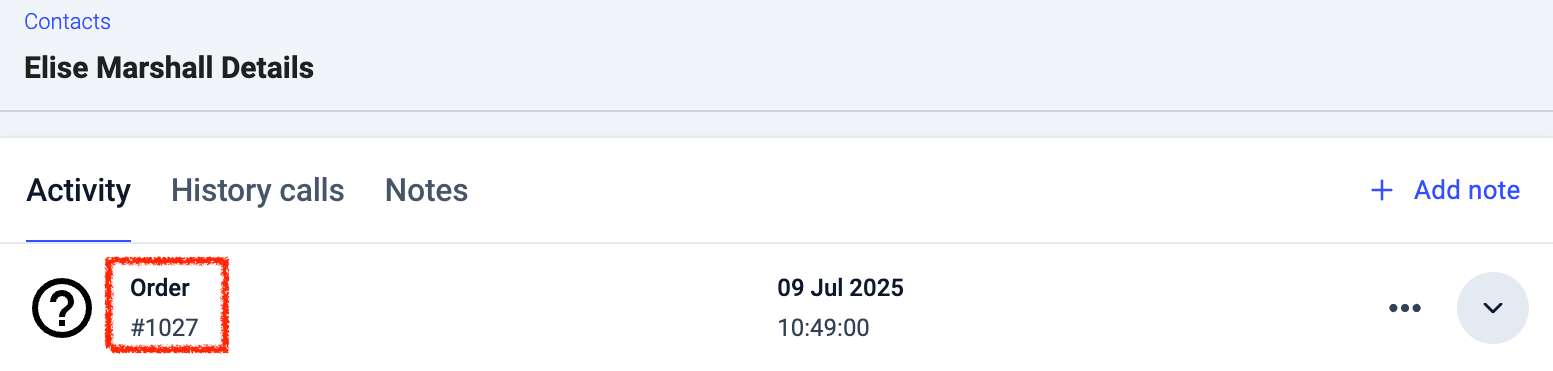
Under the Activity tab, you’ll find the customer’s Shopify Order Data, including:
- Last order details (order ID, date, value, payment/shipping status)
- Customer email and tags
- Shipping/billing addresses
Need help or have a question? Just reach out through our Support portal — we’re here for you.