> ## Documentation Index
> Fetch the complete documentation index at: https://help.cloudtalk.io/llms.txt
> Use this file to discover all available pages before exploring further.
# Microsoft Dynamics 365 Sales configureren
> Configureer de gegevensuitwisseling tussen CloudTalk en Microsoft Dynamics 365 Sales om ervoor te zorgen dat uw gegevens up-to-date blijven.
Dit artikel legt uit hoe u Microsoft Dynamics 365 Sales met CloudTalk verbindt, de authenticatie instelt en begint met het synchroniseren van uw gegevens.
**Gebruikersniveau:** Admin
***
Voordat u begint
Zorg ervoor dat aan de volgende vereisten wordt voldaan voordat u de integratie instelt:
* U hebt een **CloudTalk Essential-, Expert- of Custom-abonnement**
* U hebt een actief **[Microsoft Dynamics 365 Sales-account](https://dynamics.microsoft.com/en-us/sales/overview/)**
* U hebt **Admin-toegang** in zowel CloudTalk als Microsoft Dynamics 365
* U hebt toegang tot uw **organisatie-URL van Microsoft Dynamics 365**
* U kunt **externe integraties authenticeren** in Dynamics
* Het **E-mailadres** dat in CloudTalk wordt gebruikt, moet exact overeenkomen met het e-mailadres dat in Microsoft Dynamics 365 wordt gebruikt. Als de e-mailadressen niet overeenkomen, werkt de synchronisatie niet correct.
Microsoft Dynamics 365 Sales met CloudTalk verbinden
1. Navigeer vanuit uw dashboard naar **Account > Integraties**.
2. Zoek Microsoft Dynamics 365 op en klik op **`+ Toevoegen`.**
 1. *Bewerk het **Bijschrift** en geef deze integratie-instantie een interne naam om deze te onderscheiden van andere gekoppelde 365-accounts binnen uw bedrijf.*
3. In de sectie *Workflow-instellingen* selecteert u **Nieuwe authenticatie**.
1. *Bewerk het **Bijschrift** en geef deze integratie-instantie een interne naam om deze te onderscheiden van andere gekoppelde 365-accounts binnen uw bedrijf.*
3. In de sectie *Workflow-instellingen* selecteert u **Nieuwe authenticatie**.
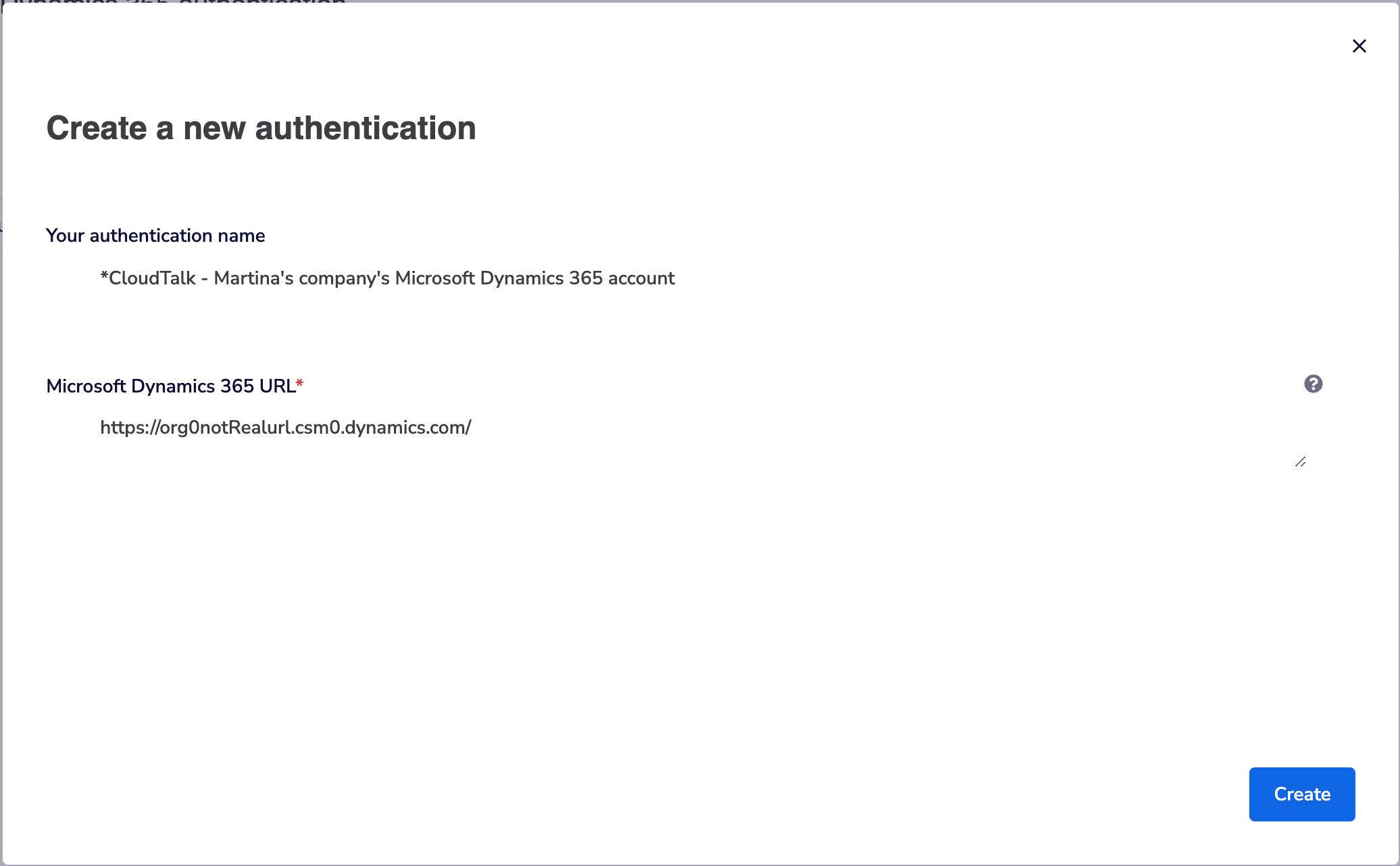
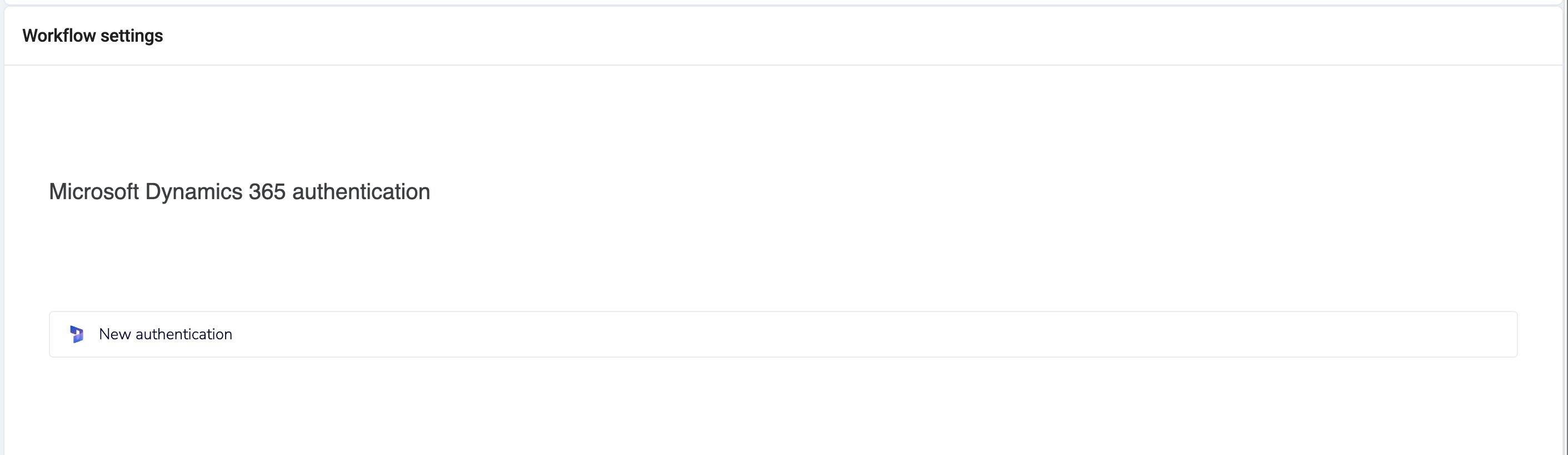 4. Om een nieuwe authenticatie aan te maken, moet u uw MS Dynamics-account via een URL verbinden:
1. Log in een apart browsertabblad in op uw Microsoft Dynamics 365-organisatie.
2. Kopieer de hoofd-URL die de naam van uw organisatie bevat. Het formaat ziet er ongeveer zo uit: [`https://orgXXXXX.crmX.dynamics.com/`](https://orgXXXXX.crmX.dynamics.com/)
1. *De lengte en tekens van de URL kunnen variëren*
5. Ga terug naar uw CloudTalk-browsertabblad en plak de URL die u in de vorige stap hebt gekopieerd in het veld **Microsoft Dynamics 365 URL** . **Aanmaken**.
4. Om een nieuwe authenticatie aan te maken, moet u uw MS Dynamics-account via een URL verbinden:
1. Log in een apart browsertabblad in op uw Microsoft Dynamics 365-organisatie.
2. Kopieer de hoofd-URL die de naam van uw organisatie bevat. Het formaat ziet er ongeveer zo uit: [`https://orgXXXXX.crmX.dynamics.com/`](https://orgXXXXX.crmX.dynamics.com/)
1. *De lengte en tekens van de URL kunnen variëren*
5. Ga terug naar uw CloudTalk-browsertabblad en plak de URL die u in de vorige stap hebt gekopieerd in het veld **Microsoft Dynamics 365 URL** . **Aanmaken**.
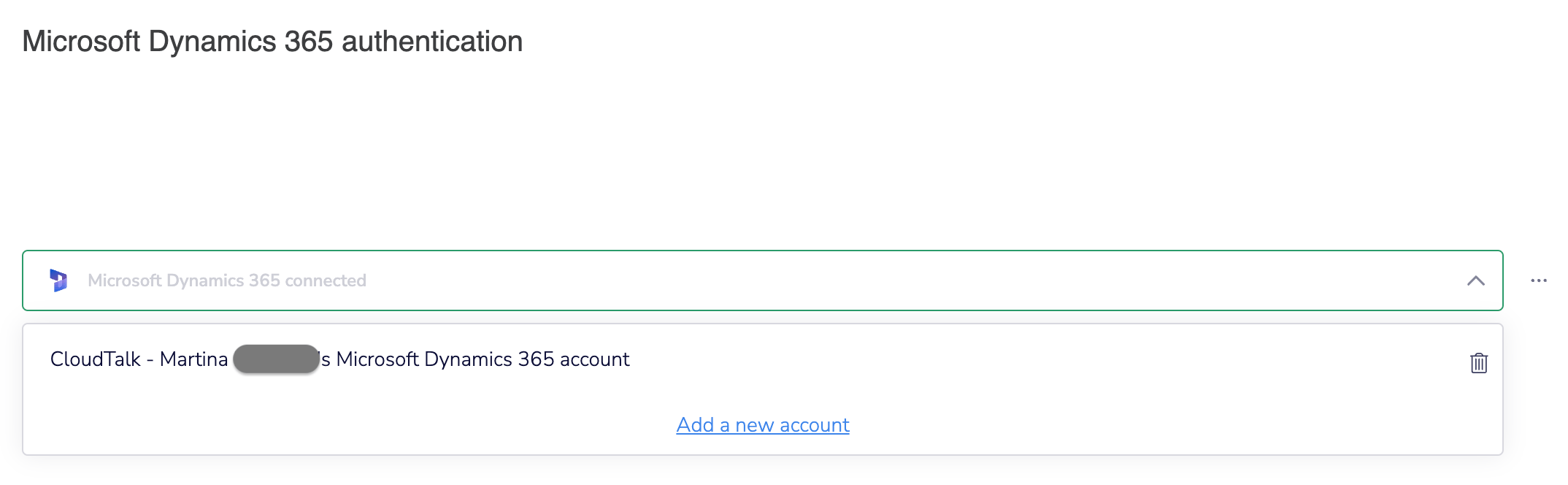
 6. Het kan even duren voordat de authenticatie is voltooid. Als dit gelukt is, ziet u een melding en wordt de pagina geladen met de naam van de authenticatie al ingevuld. Selecteer **Voltooien**.
 7. Klik op **Opslaan** om de configuratie te voltooien.
1. *U kunt uw **Bijschrift** of **Contacttag** op elk moment bewerken.*
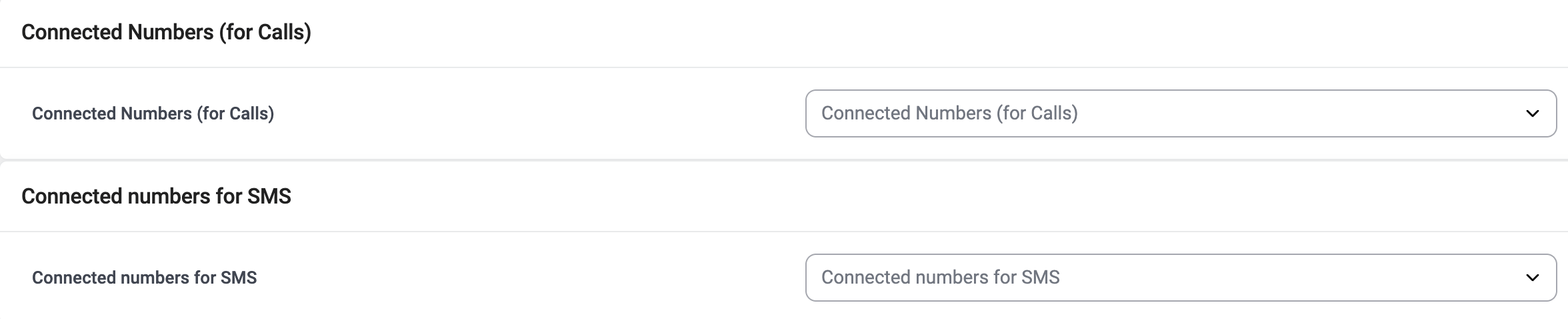
2. *Als u **Connected numbers** toevoegt, wordt de integratie beperkt tot alleen geselecteerde nummers.*
7. Klik op **Opslaan** om de configuratie te voltooien.
1. *U kunt uw **Bijschrift** of **Contacttag** op elk moment bewerken.*
2. *Als u **Connected numbers** toevoegt, wordt de integratie beperkt tot alleen geselecteerde nummers.*
De integratie loskoppelen of verwijderen
Als u niet meer wilt dat CloudTalk gegevens synchroniseert met Microsoft Dynamics 365, kunt u de integratie uitschakelen of permanent verwijderen.
Om **de integratie uit te schakelen**, gaat u naar **Account > Integraties**, zoekt u de **Microsoft Dynamics 365**-integratie op en wijzigt u de status van **Actief** naar **Inactief**.
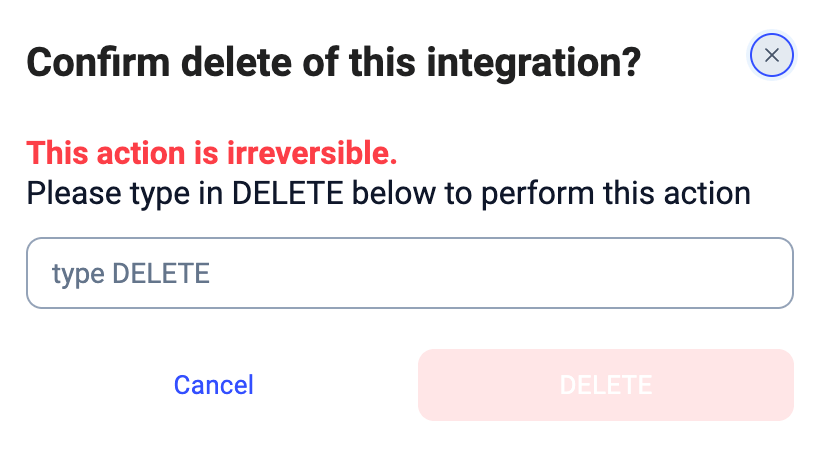
 Om **de integratie permanent te verwijderen**, opent u de instellingen van de Microsoft Dynamics 365-integratie, scrollt u naar beneden, klikt u op **Integratie verwijderen** en typt u **DELETE** ter bevestiging.
Wat gebeurt er na verwijdering
* De gegevenssynchronisatie stopt (contacten, oproepen en sms)
* Bestaande gesynchroniseerde gegevens blijven behouden in Microsoft Dynamics 365
* Er wordt geen historische data verwijderd
***
*Hebt u hulp nodig of een vraag?* Neem gewoon contact op via ons [supportportal](https://support.cloudtalk.io/hc/en-us/requests/new?ticket_form_id=26305535257884) — we staan voor u klaar.
## Related topics
- [CloudTalk gebruiken met Microsoft Dynamics 365 Sales](/nl/articles/14322905-using-cloudtalk-with-microsoft-dynamics-365-sales.md)
- [Een VoiceAgent-oproep activeren vanuit Microsoft Dynamics 365](/nl/articles/15479706-triggering-a-voiceagent-call-from-microsoft-dynamics-365.md)
- [Integratiegids](/nl/articles/10570091-integrations-guide.md)
This documentation is built and hosted on [Mintlify](https://mintlify.com), a developer documentation platform.