> ## Documentation Index
> Fetch the complete documentation index at: https://help.cloudtalk.io/llms.txt
> Use this file to discover all available pages before exploring further.
# CloudTalk Phone installeren op Windows
> Een eenvoudige handleiding om de CloudTalk Phone-app op uw Windows te installeren.
Een eenvoudige handleiding om de CloudTalk Phone-app op uw Windows te installeren.
De app voor Windows-gebruikers wordt geleverd als EXE-installatiepakket. Volg de onderstaande instructies om de app op uw Windows-computer te installeren.
Stap 1
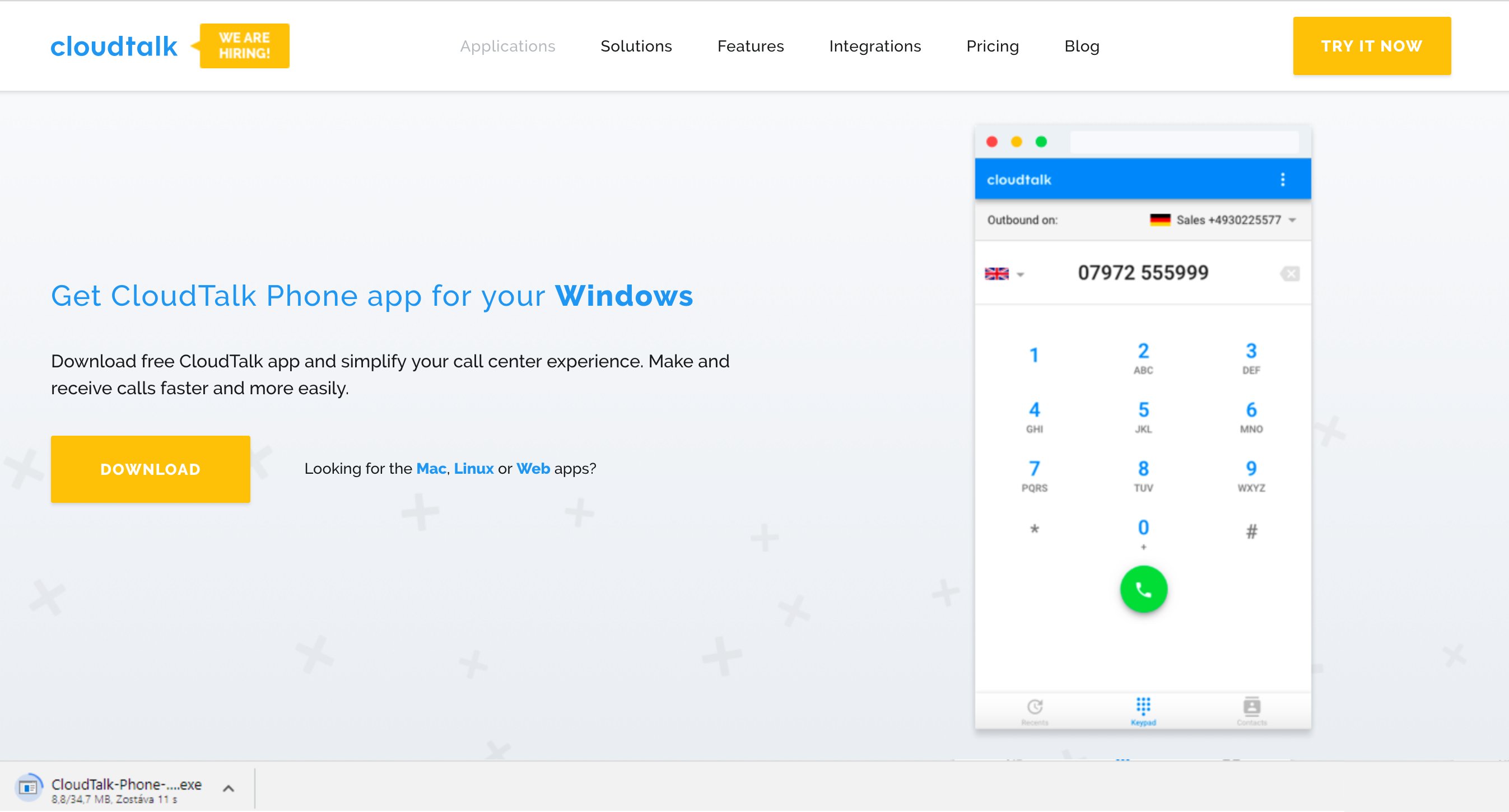
Download het [installatiebestand](https://www.cloudtalk.io/download-app) voor Windows. De minimaal ondersteunde versie is Windows 7 64bit.
Stap 2
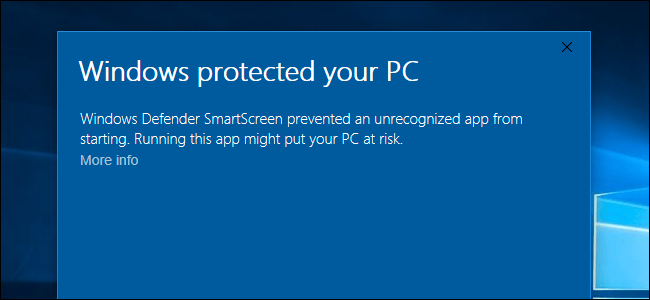
Dubbelklik op het gedownloade bestand.
**Notitie:** Als het bestand niet geïnstalleerd kan worden, klikt u op Meer informatie en bevestigt u de installatie opnieuw.
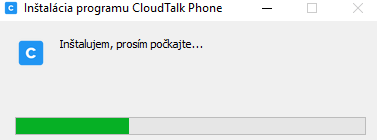
 De installatie start:
Stap 3
Zodra de installatie is voltooid, start de app automatisch op.
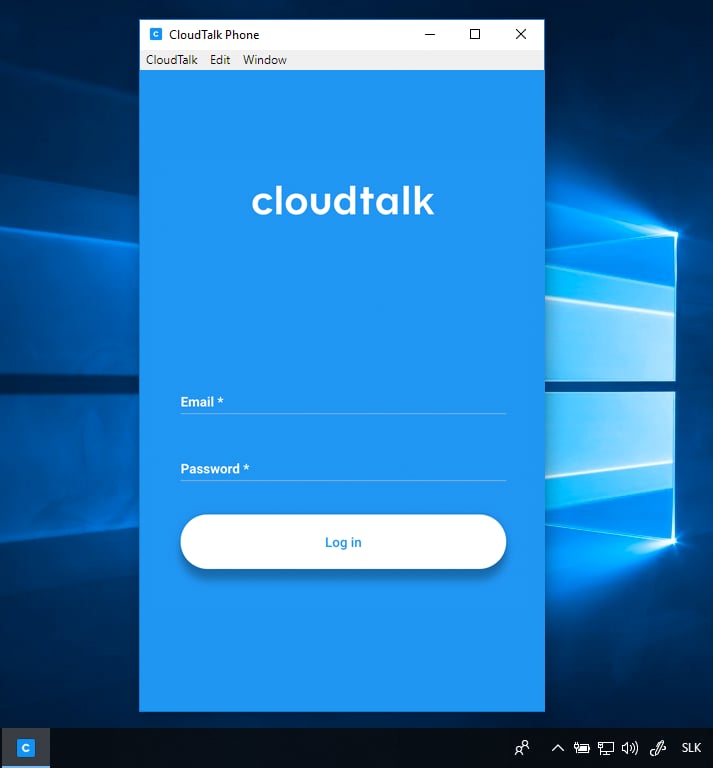
Klaar voor gebruik!
Zodra de installatie met succes is afgerond, kunt u de app meteen gaan gebruiken. [Lees in dit artikel meer over enkele functies van de app.](/nl/articles/2144759-using-cloudtalk-phone)
***
*Hulp nodig of nog vragen?* Neem gerust contact met ons op via ons [supportportaal](https://support.cloudtalk.io/hc/en-us/requests/new?ticket_form_id=26305535257884) — we staan voor u klaar.
## Related topics
- [Kennismaking met CloudTalk en CloudTalk Phone installeren](/nl/articles/5349174-cloudtalk-introduction-installing-cloudtalk-phone.md)
- [CloudTalk Phone installeren op Mac](/nl/articles/2144706-installing-cloudtalk-phone-on-mac.md)
- [CloudTalk Phone installeren op Linux](/nl/articles/2144740-installing-cloudtalk-phone-in-linux.md)
This documentation is built and hosted on [Mintlify](https://mintlify.com), a developer documentation platform.