> ## Documentation Index
> Fetch the complete documentation index at: https://help.cloudtalk.io/llms.txt
> Use this file to discover all available pages before exploring further.
# Installer CloudTalk Phone sous Windows
> Un guide simple pour installer l’application CloudTalk Phone sous Windows.
Un guide simple pour installer l’application CloudTalk Phone sous Windows.
L’application pour les utilisateurs Windows est fournie sous forme de package d’installation EXE. Pour installer l’application sur votre ordinateur Windows, suivez les instructions ci-dessous.
Étape 1
Téléchargez le [fichier d’installation](https://www.cloudtalk.io/download-app) pour Windows. La version minimale prise en charge est Windows 7 64 bits.
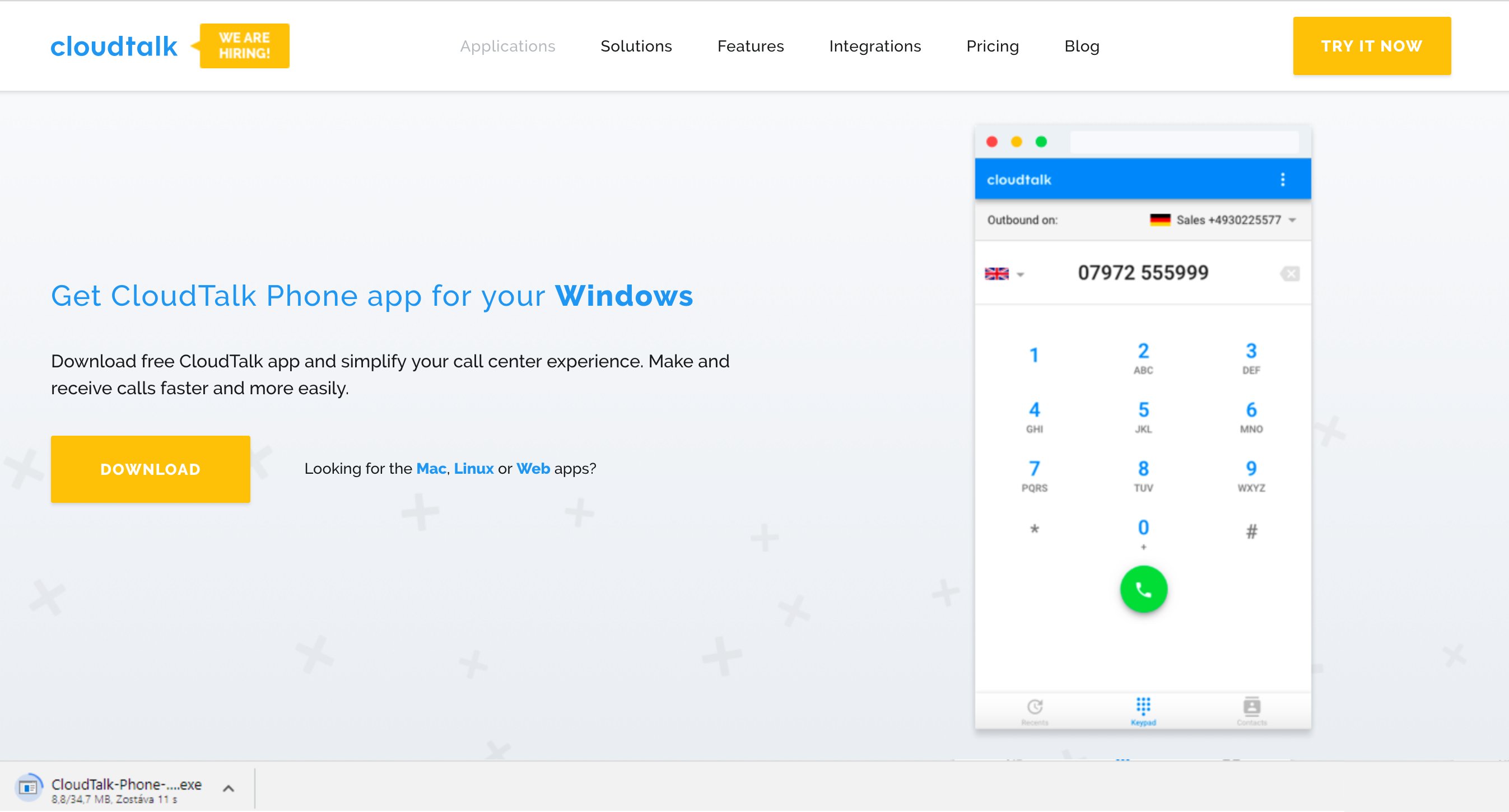
Étape 2
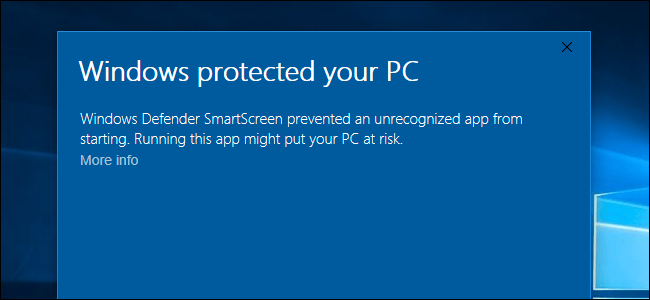
Double-cliquez sur le fichier téléchargé.
**Note :** Si le fichier ne peut pas être installé, cliquez sur Informations complémentaires et confirmez à nouveau l’installation.
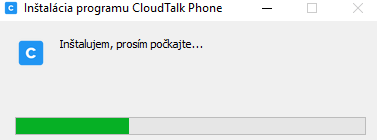
 L’installation démarre :
Étape 3
Dès que l’installation est terminée, l’application se lance automatiquement.
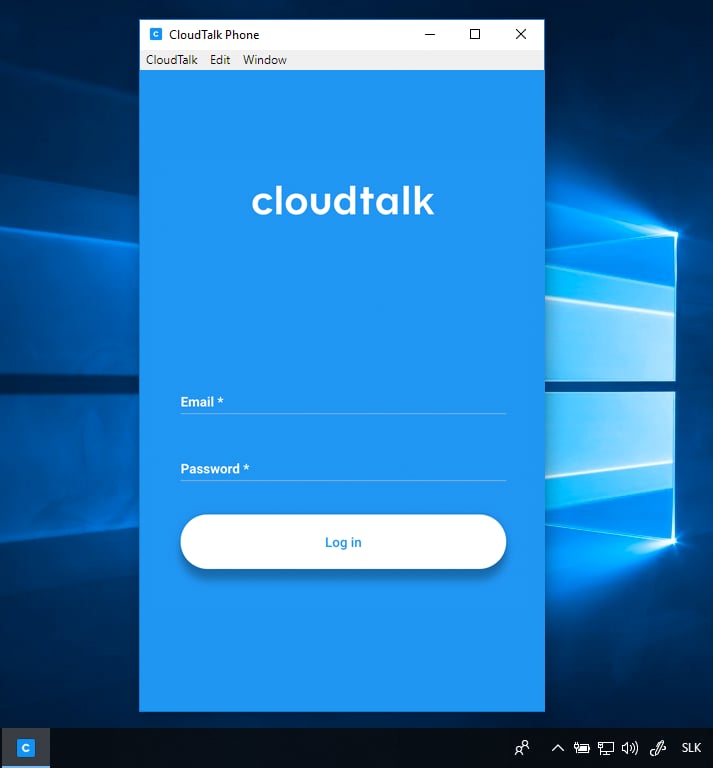
Tout est prêt !
Une fois l’installation terminée avec succès, vous pouvez utiliser l’application immédiatement. [Découvrez certaines fonctionnalités de l’application dans cet article.](/fr/articles/2144759-using-cloudtalk-phone)
***
*Besoin d’aide ou vous avez une question ?* Contactez-nous via notre [Portail Support](https://support.cloudtalk.io/hc/en-us/requests/new?ticket_form_id=26305535257884) — nous sommes là pour vous.
## Related topics
- [Introduction à CloudTalk et installation de CloudTalk Phone](/fr/articles/5349174-cloudtalk-introduction-installing-cloudtalk-phone.md)
- [Installer CloudTalk Phone sous Linux](/fr/articles/2144740-installing-cloudtalk-phone-in-linux.md)
- [Installer CloudTalk Phone sur Mac](/fr/articles/2144706-installing-cloudtalk-phone-on-mac.md)
This documentation is built and hosted on [Mintlify](https://mintlify.com), a developer documentation platform.