> ## Documentation Index
> Fetch the complete documentation index at: https://help.cloudtalk.io/llms.txt
> Use this file to discover all available pages before exploring further.
# Phone Extension
> Assign 4-digit extensions to individual agents, teams, or office locations for easy call routing.
Efficient communication is essential for businesses of all sizes. With CloudTalk’s phone extension feature, routing calls becomes faster and more effective, connecting customers and employees to the right person or department with just a few digits.
***
A phone extension is a unique 4-digit code assigned to a specific employee or a department within CloudTalk. Customers can use these extensions to bypass automated menus and directly reach the desired contact, while employees can quickly connect with colleagues without dialing full numbers.

How to set up an extension to a new user
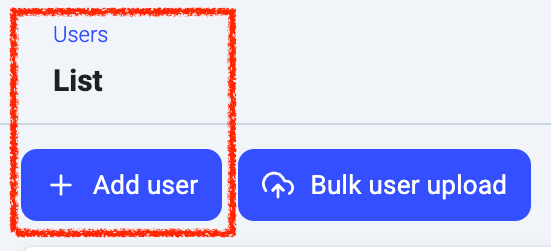
1. In the Dashboard go to the "**Users**" tab.
2. Choose "**+ Add User**" at the top right corner of the page.
 3\. After completing the required information in **[Basic settings](/en/articles/2144066-how-to-add-new-users)**, navigate to the bottom of the page to enter the extension in the dedicated field. If left blank, an extension will be assigned **automatically**.
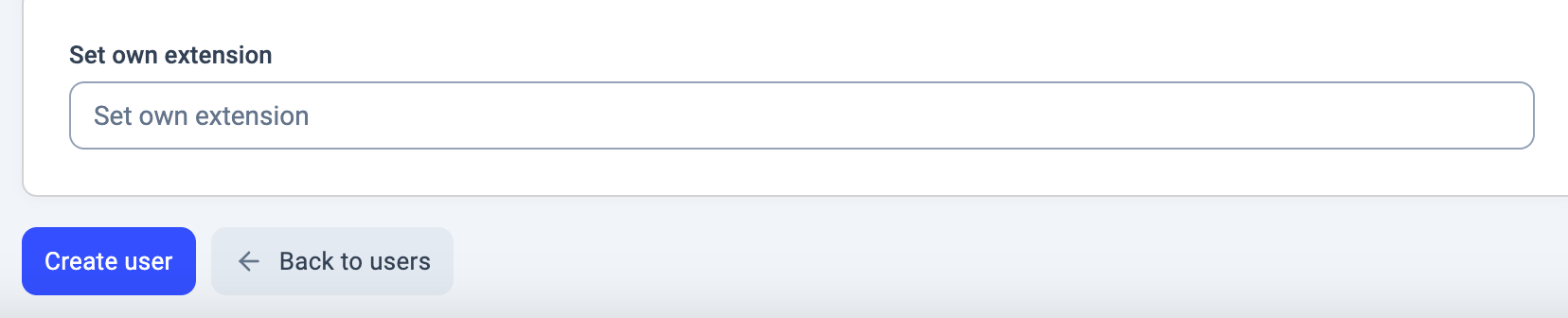 Note that once an extension is set, it cannot be changed later on.
4\. Click "**Create user"** to save the changes.
**Groups** can also have an extension, which is automatically assigned when the group is created.
Note that once an extension is set, it cannot be changed later on.
4\. Click "**Create user"** to save the changes.
**Groups** can also have an extension, which is automatically assigned when the group is created.
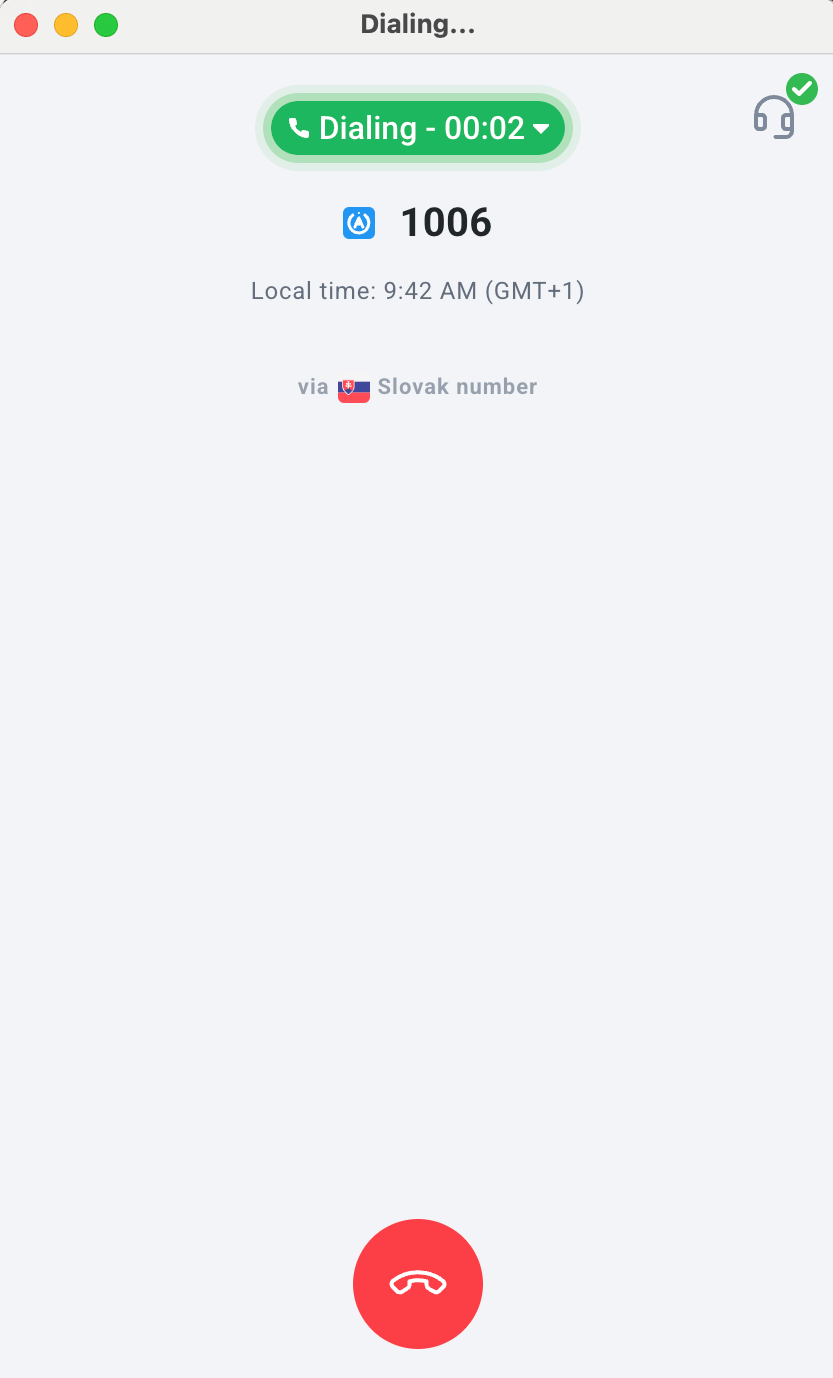
 Once the extension is set up, you can dial it directly in the app to connect with the user or a group.
 ***
*Need help or have a question?* Just reach out through our [Support portal](https://support.cloudtalk.io/hc/en-us/requests/new?ticket_form_id=26305535257884) — we’re here for you.
## Related topics
- [Users, Groups, and Contacts guide](/en/articles/10551915-users-groups-and-contacts-guide.md)
- [The Click to Call Extension](/en/articles/2964244-the-click-to-call-extension.md)
- [HubSpot Quick Fixes](/en/articles/8272721-hubspot-quick-fixes.md)
This documentation is built and hosted on [Mintlify](https://mintlify.com), a developer documentation platform.
***
*Need help or have a question?* Just reach out through our [Support portal](https://support.cloudtalk.io/hc/en-us/requests/new?ticket_form_id=26305535257884) — we’re here for you.
## Related topics
- [Users, Groups, and Contacts guide](/en/articles/10551915-users-groups-and-contacts-guide.md)
- [The Click to Call Extension](/en/articles/2964244-the-click-to-call-extension.md)
- [HubSpot Quick Fixes](/en/articles/8272721-hubspot-quick-fixes.md)
This documentation is built and hosted on [Mintlify](https://mintlify.com), a developer documentation platform.