> ## Documentation Index
> Fetch the complete documentation index at: https://help.cloudtalk.io/llms.txt
> Use this file to discover all available pages before exploring further.
# CloudTalk Phone unter Windows installieren
> Eine einfache Anleitung zur Installation der CloudTalk Phone App unter Windows.
Eine einfache Anleitung zur Installation der CloudTalk Phone App unter Windows.
Die App für Windows-Nutzer wird als EXE-Installationspaket bereitgestellt. Um die App auf Ihrem Windows-Computer zu installieren, folgen Sie bitte den nachstehenden Anweisungen.
Schritt 1
Laden Sie die [Installationsdatei](https://www.cloudtalk.io/download-app) für Windows herunter. Die mindestens unterstützte Version ist Windows 7 64bit.
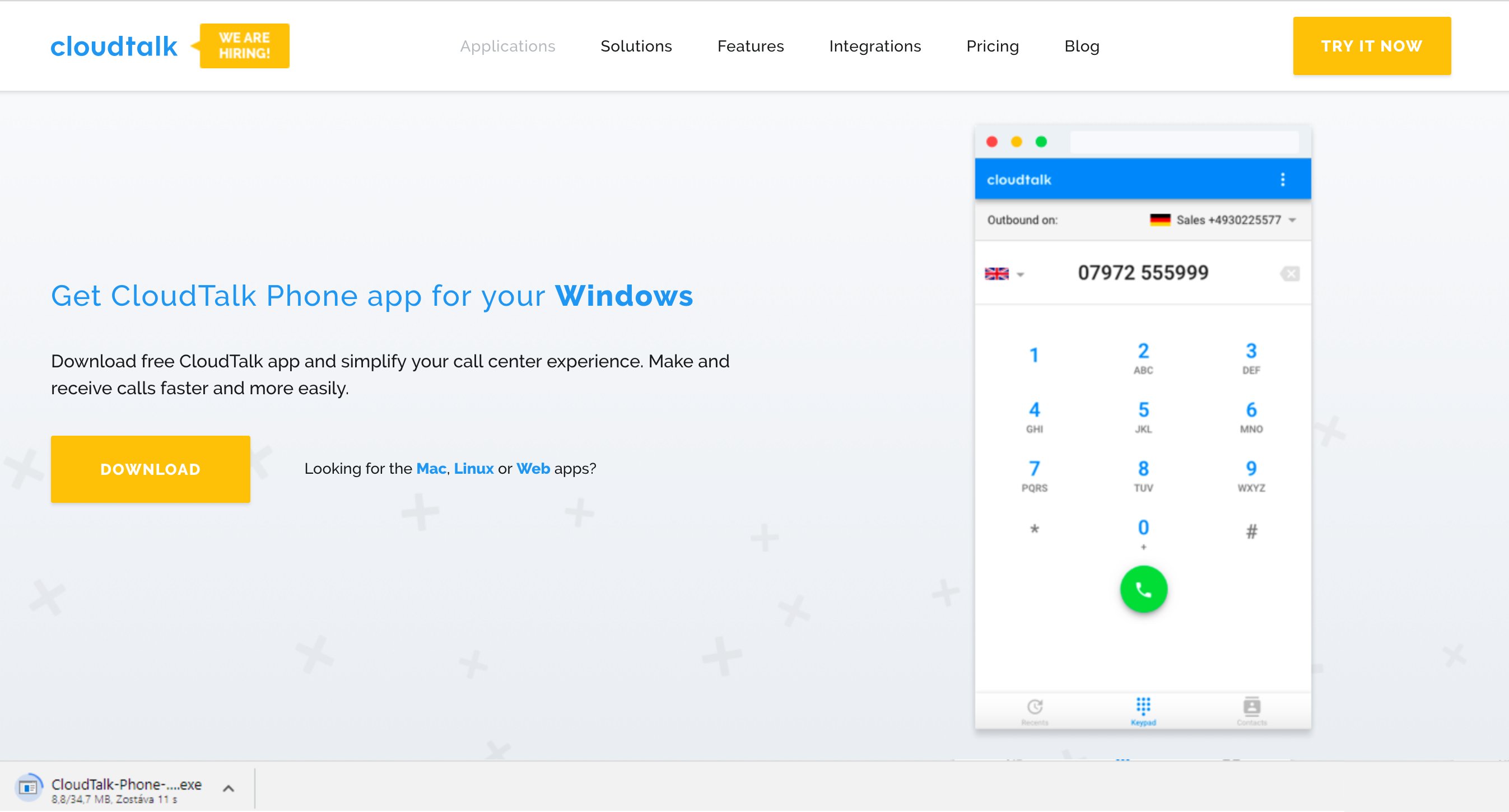
Schritt 2
Doppelklicken Sie auf die heruntergeladene Datei.
**Notiz:** Falls sich die Datei nicht installieren lässt, klicken Sie auf Weitere Informationen und bestätigen Sie die Installation erneut.
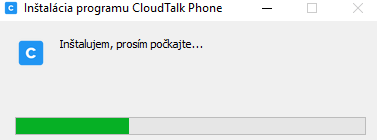
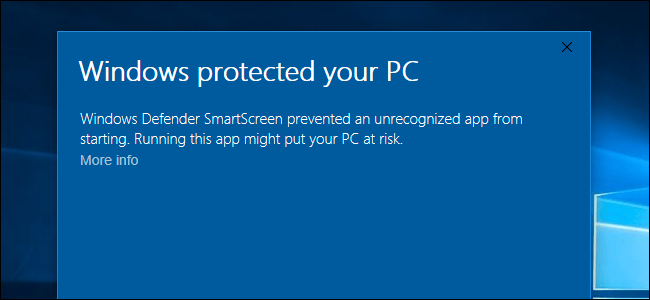 Die Installation startet:
Schritt 3
Sobald die Installation abgeschlossen ist, startet die App automatisch.
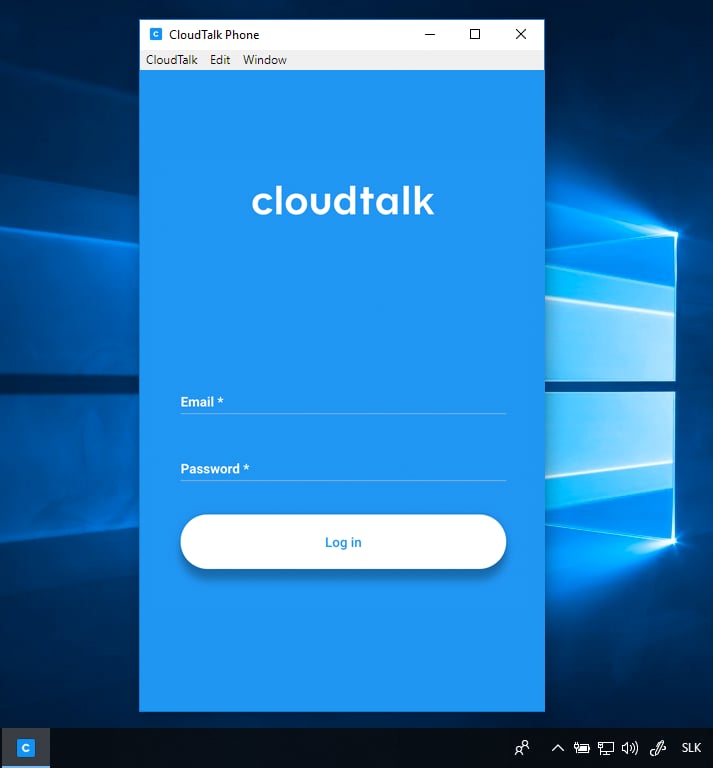
Fertig!
Sobald die Installation erfolgreich abgeschlossen ist, können Sie die App sofort nutzen. [Mehr zu einigen Funktionen der App lesen Sie in diesem Beitrag.](/de/articles/2144759-using-cloudtalk-phone)
***
*Brauchen Sie Hilfe oder haben Sie eine Frage?* Melden Sie sich einfach über unser [Support-Portal](https://support.cloudtalk.io/hc/en-us/requests/new?ticket_form_id=26305535257884) — wir sind für Sie da.
## Related topics
- [Einführung in CloudTalk und Installation von CloudTalk Phone](/de/articles/5349174-cloudtalk-introduction-installing-cloudtalk-phone.md)
- [CloudTalk Phone flottenweit bereitstellen](/de/articles/16801942-deploying-cloudtalk-phone-across-a-fleet.md)
- [CloudTalk Phone unter Linux installieren](/de/articles/2144740-installing-cloudtalk-phone-in-linux.md)
This documentation is built and hosted on [Mintlify](https://mintlify.com), a developer documentation platform.